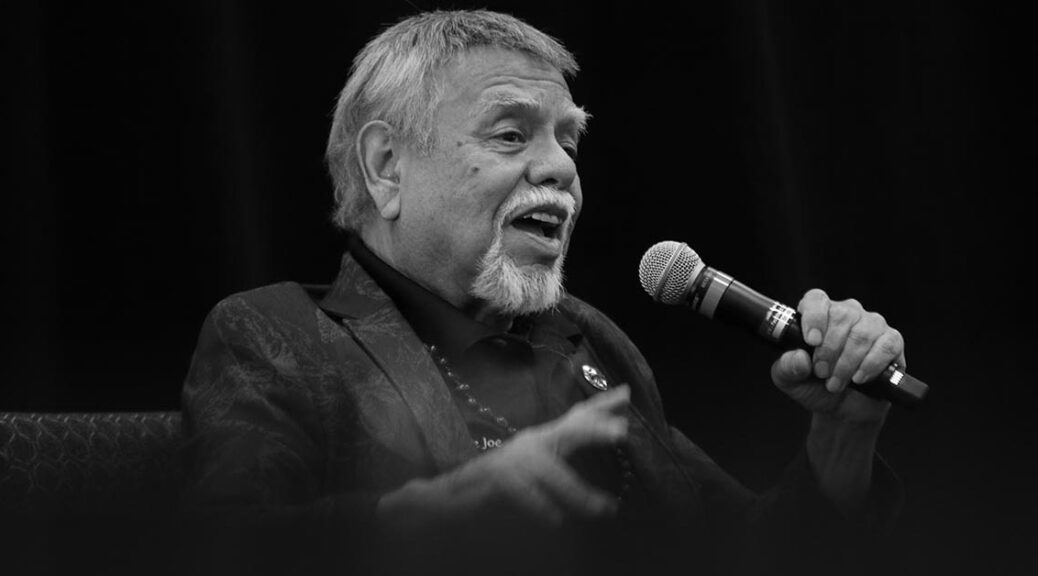
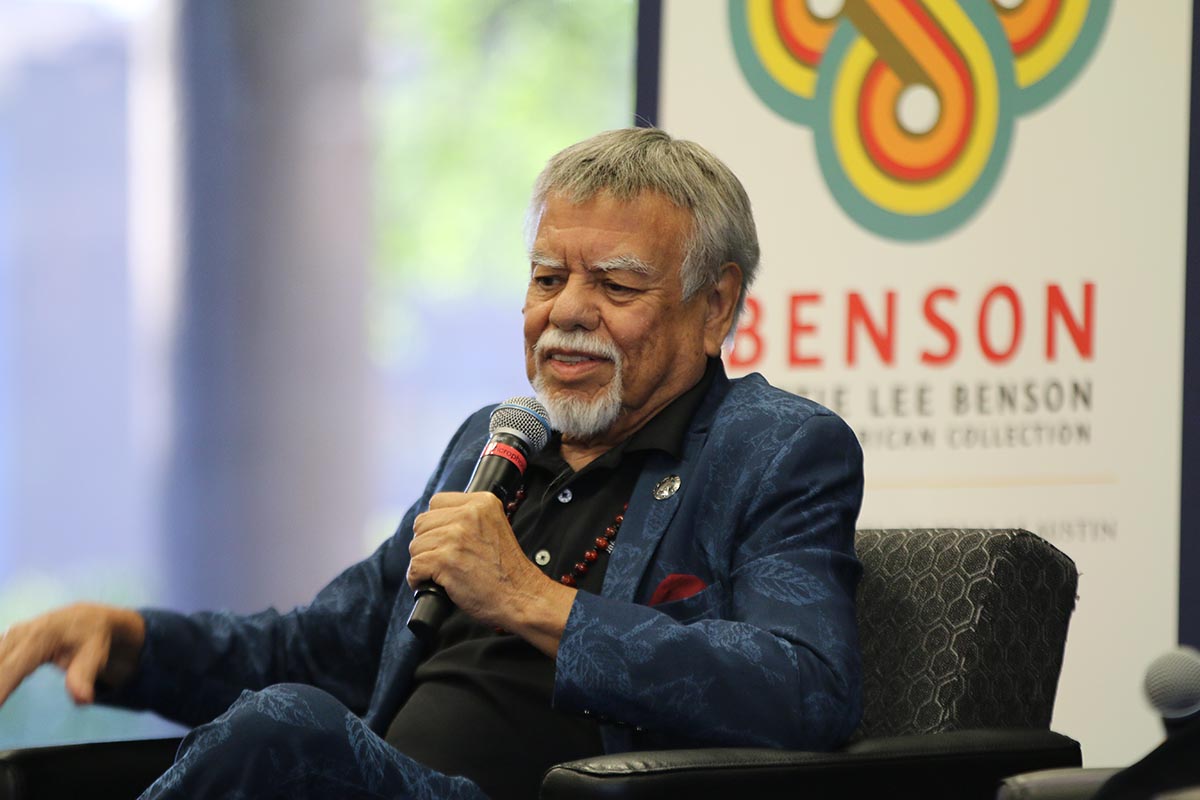
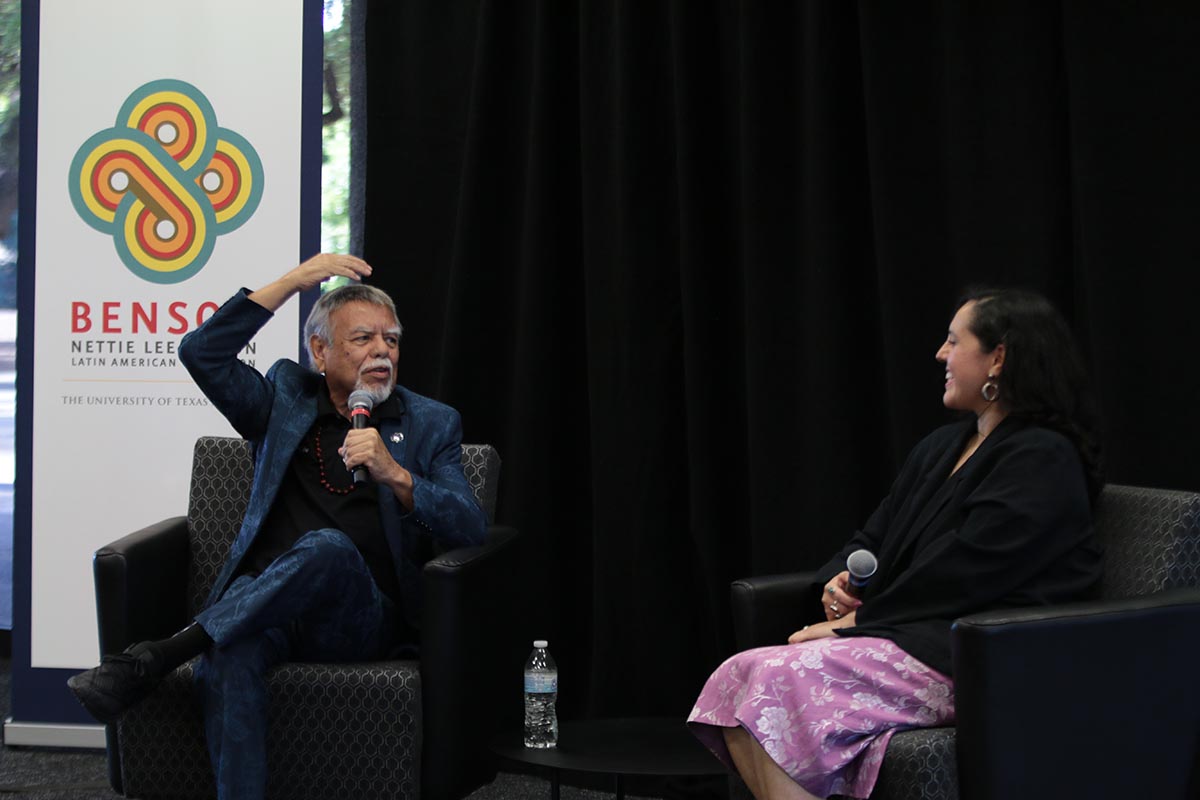
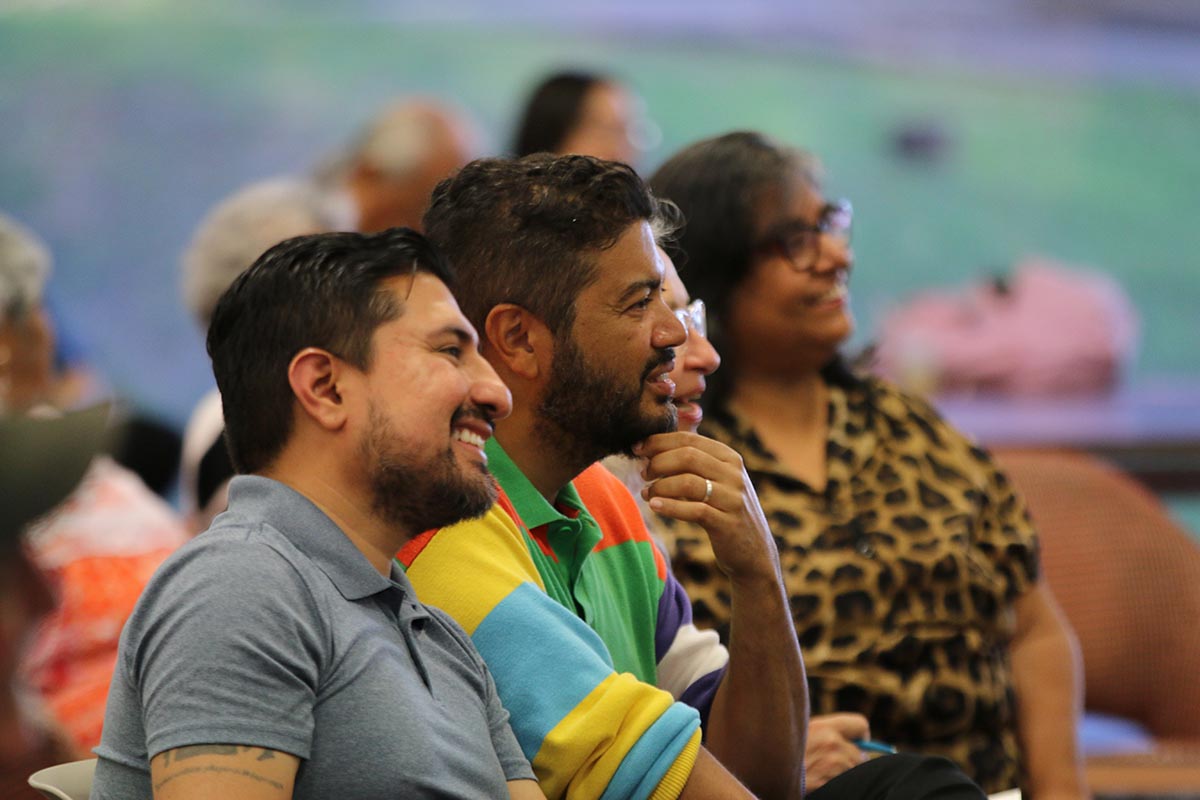
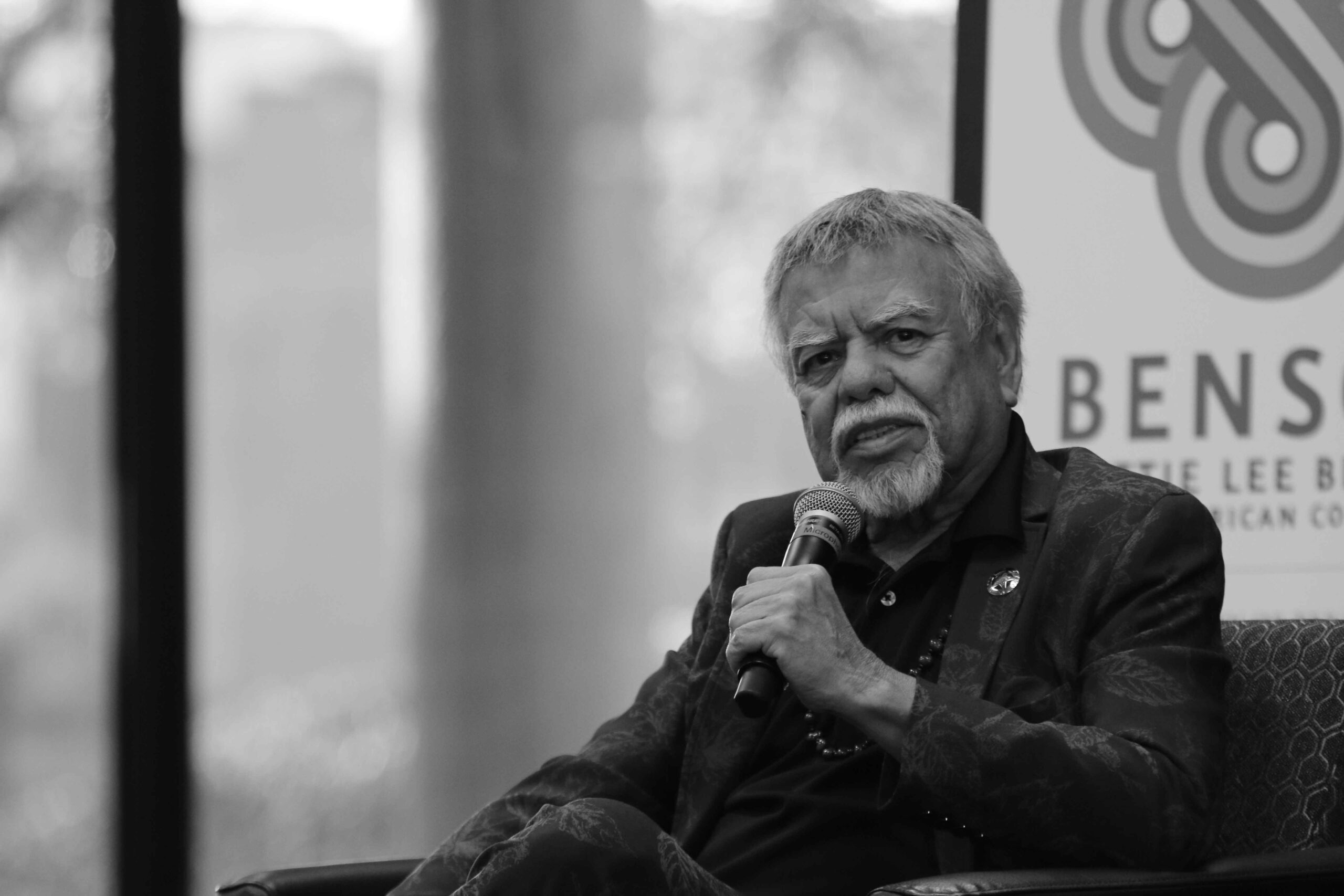
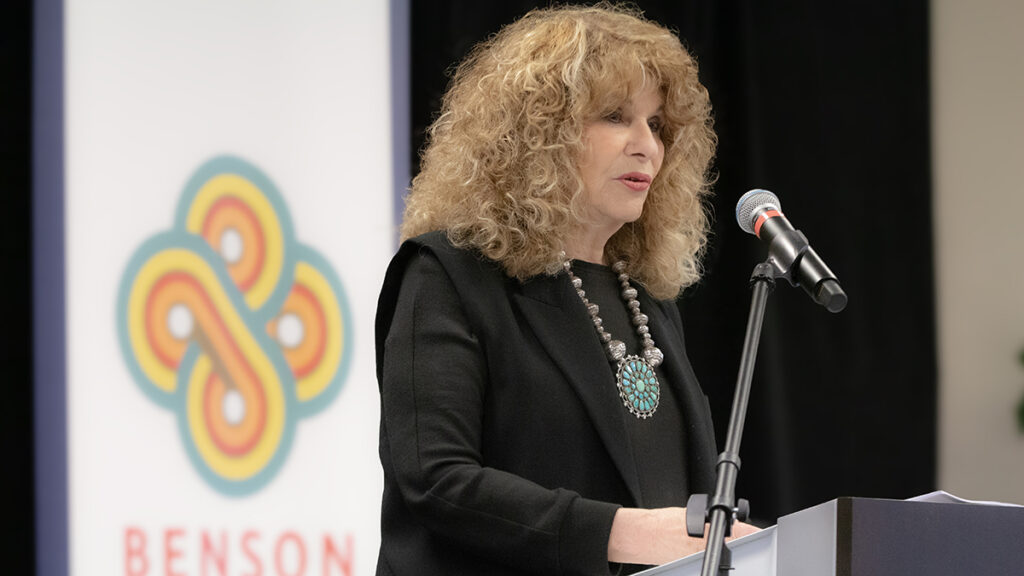
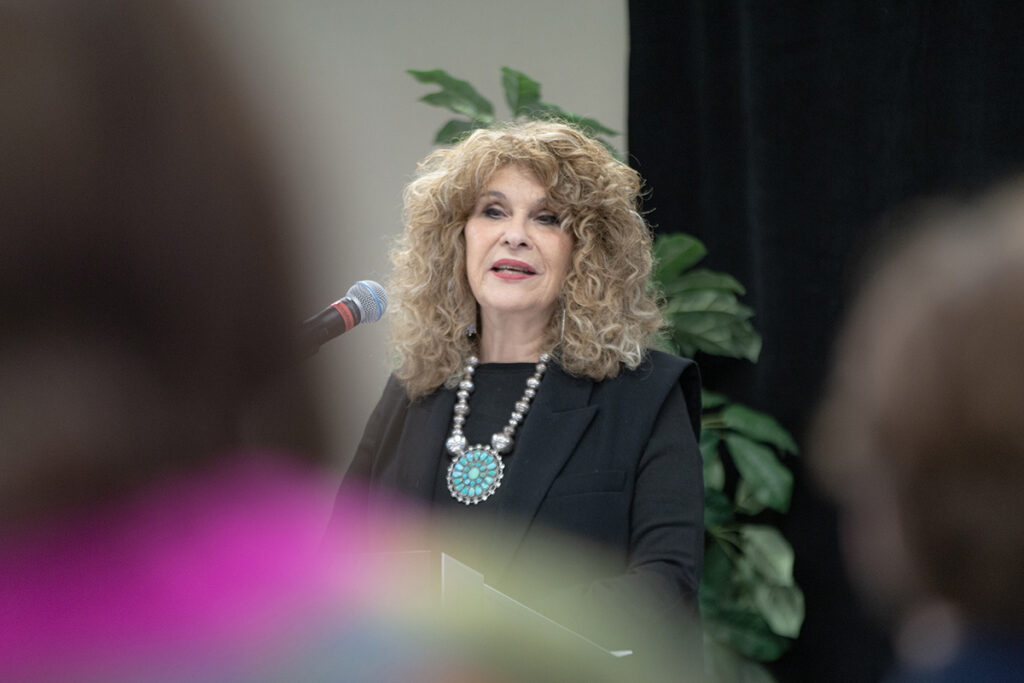
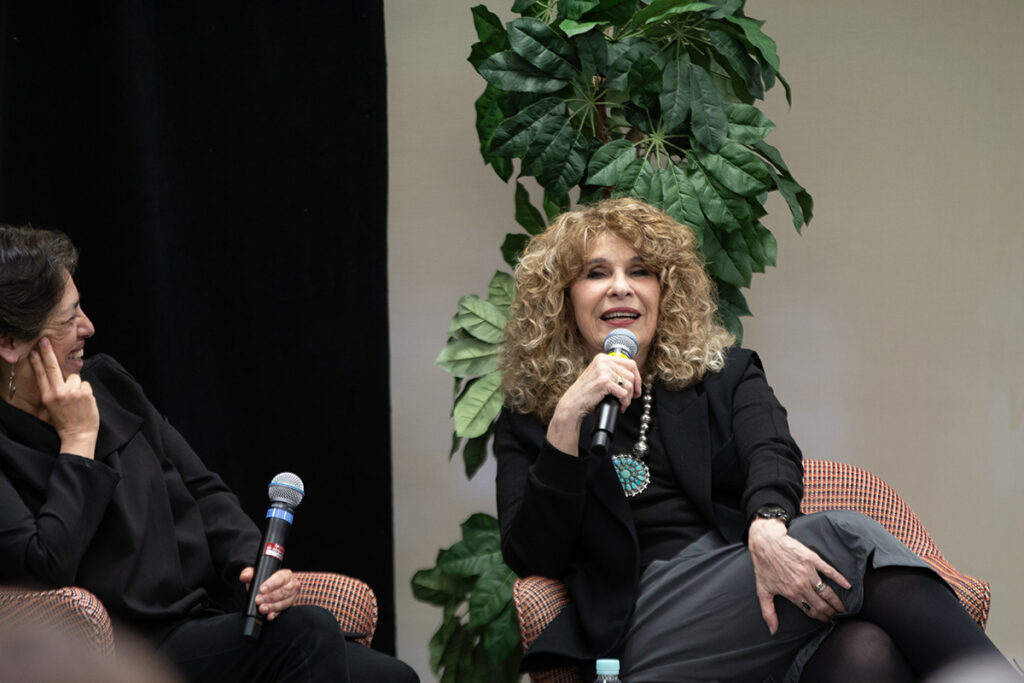
The 22nd annual ¡A Viva Voz! celebration at the Benson Latin American Collection on April 4 was a compelling homage to Latino arts and culture, spotlighting the legendary José María de León Hernández, affectionately known as Little Joe.
Developed by former Benson Director Ann Hartness, ¡A Viva Voz! has long served as a platform to showcase the rich Mexican American/U.S. Latino heritage, fostering community engagement and celebrating cultural vibrancy.
This year’s event paid tribute to Little Joe, an American music legend who has garnered five Grammy awards and was honored with the prestigious 2023 National Heritage Fellowship from the National Endowment for the Arts. In an interview conducted by US Latina/o Studies Librarian Maribel Falcón, Little Joe discussed his biography, “¡No Llore, Chingón!,” which provides a poignant narrative of his life journey, weaving tales of resilience and triumph amid the struggles faced by Mexican-American communities in Texas.
Born to immigrant parents who fled Mexico during the turmoil of the Mexican Revolution, Hernández and his family initially worked as farm laborers in Texas, confronting hardships and poverty. However, his passion for music ignited at a young age, and he embarked on a musical career that would transcend borders and genres.
Reflecting on his early days performing in meager venues and overcoming challenges, Little Joe addressed the hurdles of limited radio exposure for Spanish-language music, recounting pivotal moments such as the success of his album “Por Un Amor”(1964) and the trials of a grueling tour. His shared experiences of touring internationally, including a memorable trip to Japan, underscored his deep appreciation for cultural exchange and diversity.
Yet, beyond the melodies, Little Joe’s legacy carries a profound message of empowerment and advocacy. Throughout the evening, Little Joe conveyed a powerful message of resilience and solidarity, urging the audience to confront racism and injustice through activism and civic engagement.
As he performed an impromptu song encouraging accountability and participation in the democratic process, he encouraged all to embrace their heritage, amplify their voices, and stand united in the pursuit of a brighter tomorrow.
Welcome to our semi-annual update on the University of Texas Libraries’ (UTL) commitment to supporting open access (OA) publishing. In this update, we’re excited to announce several new OA initiatives available for the UT community to utilize, alongside a glimpse into the significant cost savings achieved through our OA agreements.
Cogitatio Press
Cogitatio Press offers a range of five OA journals covering diverse fields such as Media and Communication, Politics and Governance, and Urban Planning. Launching late this year, their ‘Ocean and Society’ journal will provide a platform for ocean-related research. The best part? UT Austin corresponding authors can publish in these journals without incurring Article Processing Charges (APCs), thanks to our agreement with Cogitatio.
Free Journal Network (FJN)
FJN, a non-profit organization, focuses on supporting diamond OA journals, ensuring no fees for readers or authors. Their mission includes facilitating journal coordination, sharing best practices, promoting FJN journals, securing funding for journal enhancement, and advocating for improvements in scholarly publishing. We’re thrilled to collaborate with FJN in advancing open access initiatives.
Institute of Physics (IOP)
UTL has secured a Read and Publish deal with the Institute of Physics (IOP), granting the UT community access to all IOP journals. Moreover, UT Austin corresponding authors can publish OA in IOP journals without bearing APC costs, contributing to the dissemination of impactful research across disciplines.
Bloomsbury Open Collections
Bloomsbury is pioneering a collective funding model for OA books, akin to the successful Subscribe to Open model for journals. We’re proud to support the African Studies + International Development collection, which aims to make 20 frontlist titles available immediately upon publication. This initiative underscores our commitment to promoting diverse voices and perspectives in scholarly literature.
Peer Community In
Peer Community In (PCI) is a scientist-led initiative to provide a reviewing and recommending service for pre-print articles; similar to the peer review process for journal articles. Those recommended pre-prints can then be submitted to the Peer Community Journal or a PCI friendly journal which will accept the recommended pre-print article with waived or expedited peer review. We are excited to support this unique publishing model that aims to provide additional value around pre-prints as an important part of the OA ecosystem.
Understanding UT Austin Corresponding Authors
You might wonder, what exactly is a UT Austin corresponding author? In essence, they’re the primary point of contact for communication regarding an article. While typically a senior researcher such as a faculty member, this role isn’t exclusive and can be fulfilled by any UT Austin affiliate involved in the research. For OA agreements offering direct author benefits like waived APCs, eligibility is contingent upon the corresponding author’s affiliation with UT Austin.
Annual Report Highlights
In our latest annual report, completed last fall, we celebrated significant milestones achieved through our OA agreements. Notably, these initiatives resulted in over $600,000 of cost savings through waived or reduced APCs. This substantial figure underscores the tangible impact of our commitment to open access publishing and reflects the growing momentum towards equitable and accessible scholarly communication.
As we continue to champion open access initiatives, we invite the UT community to explore these new opportunities and join us in advancing knowledge dissemination for the betterment of academia and society at large.
For more information on these initiatives and our ongoing efforts, please visit our OA LibGuide.
Thank you for your continued support and engagement in fostering a culture of openness and accessibility in scholarly publishing.
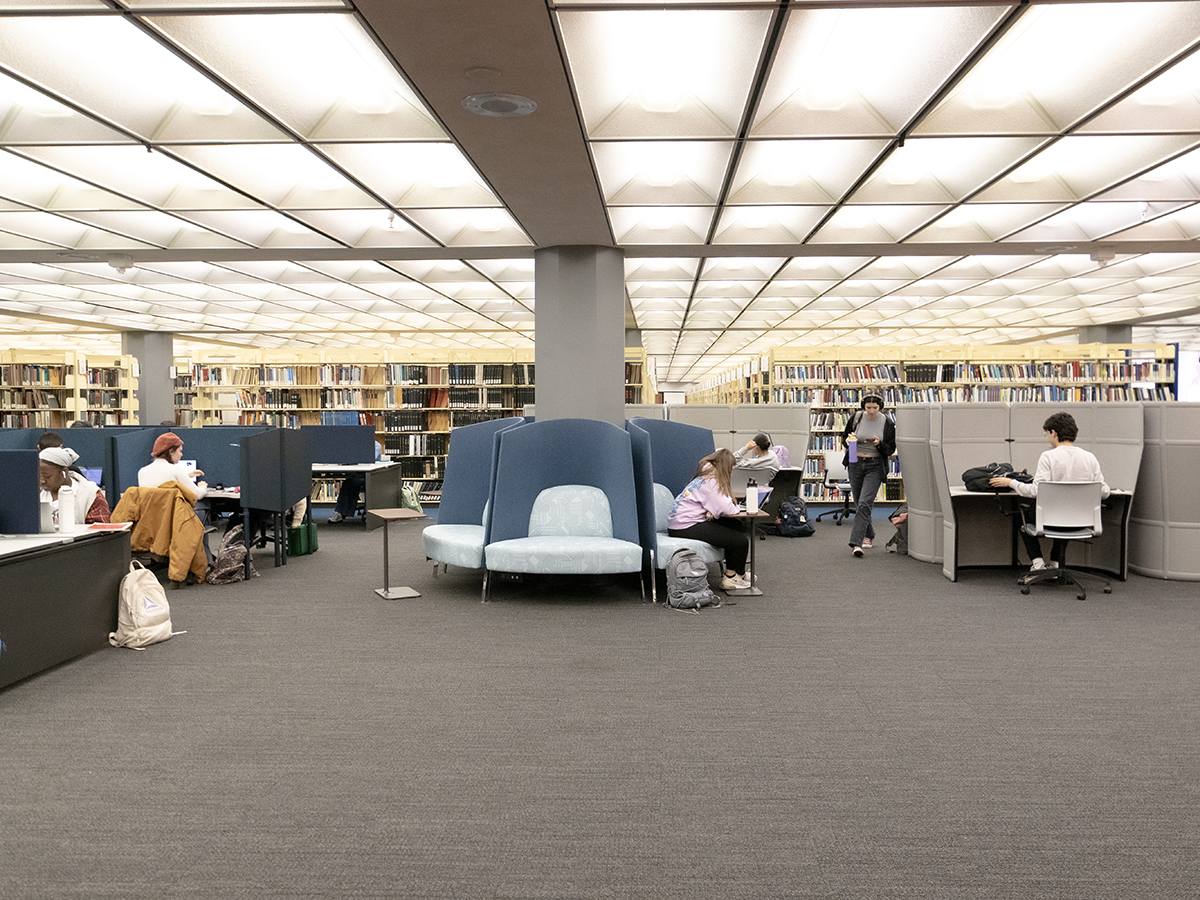
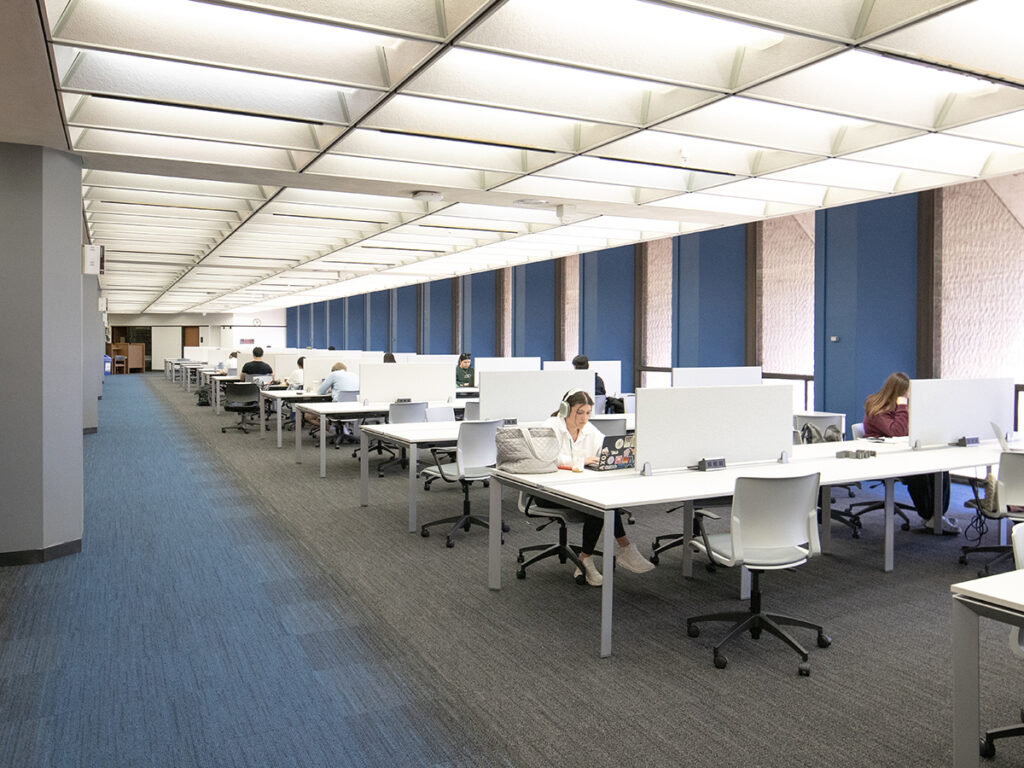
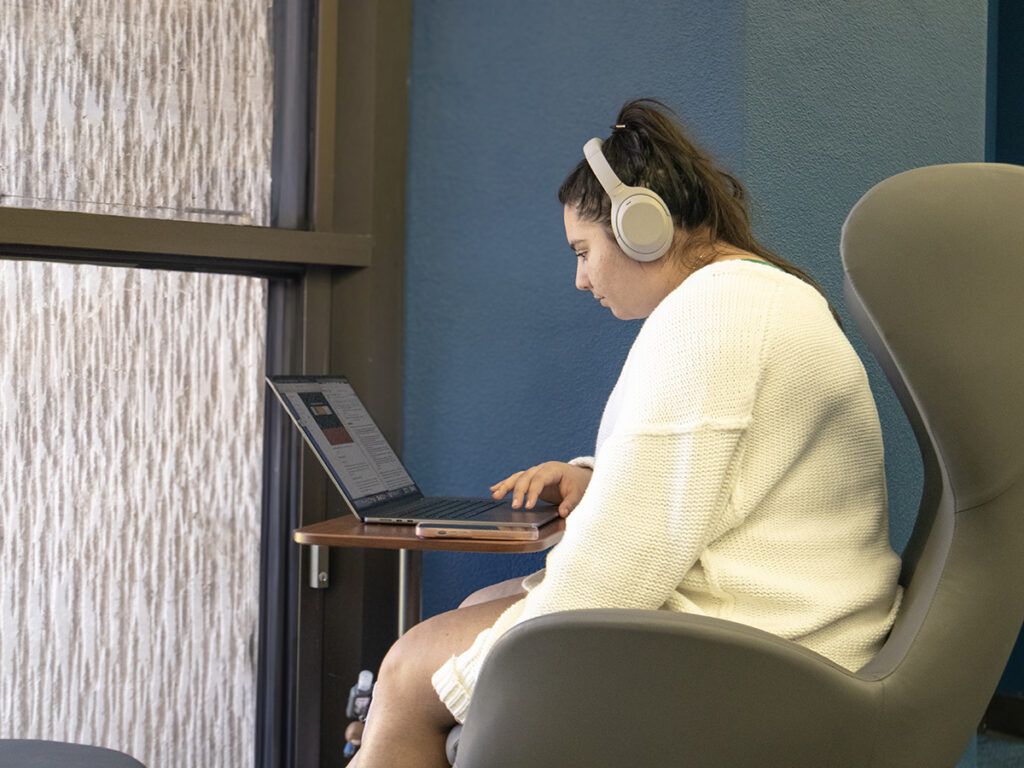
The Perry-Castañeda Library (PCL) is constantly in transformation, keeping speed with the needs of users by enhancing the library’s facilities, and recent renovations have been breathing new life into aging spaces to better serve students and staff alike.
From modernizing furniture, power, and whiteboards to carpet replacement and staff space rearrangement, renovations aim to create a more conducive environment for learning and collaboration.
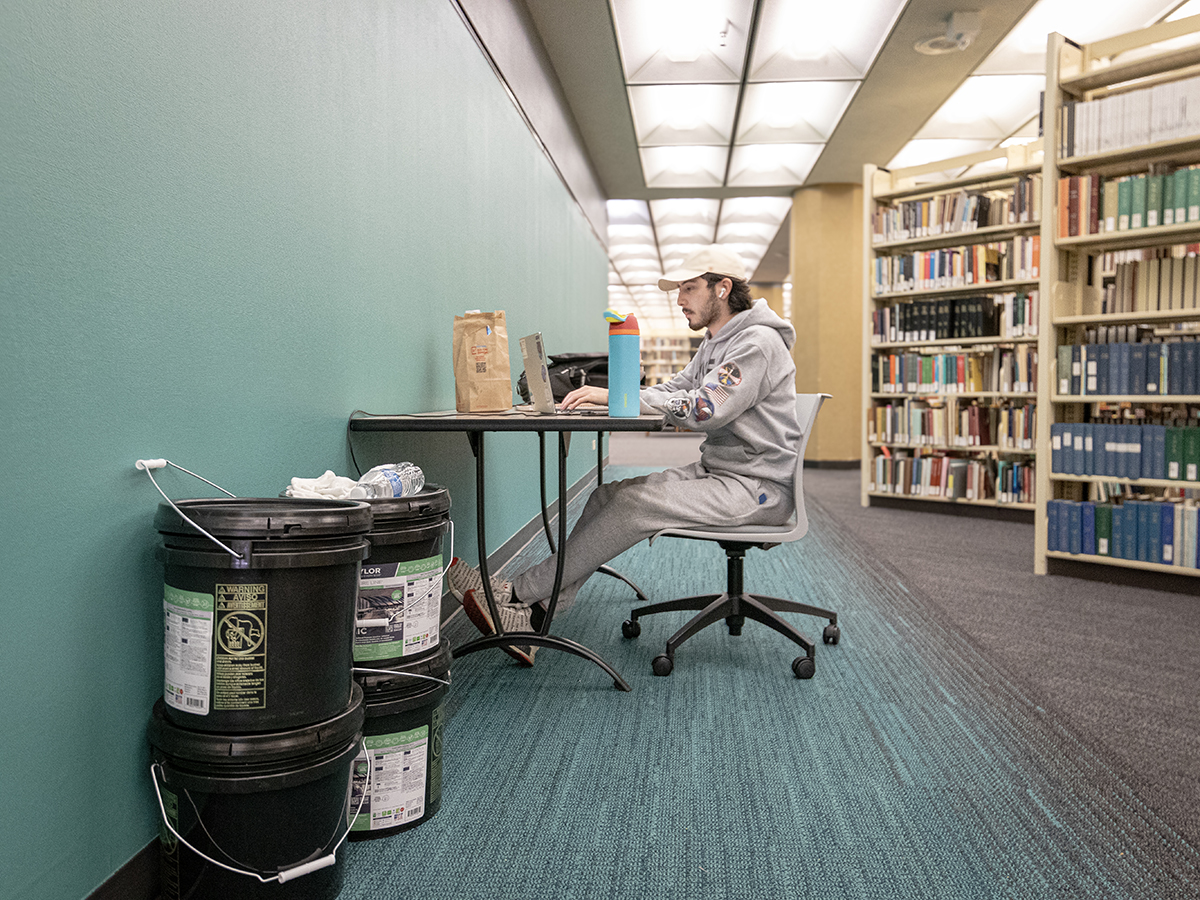
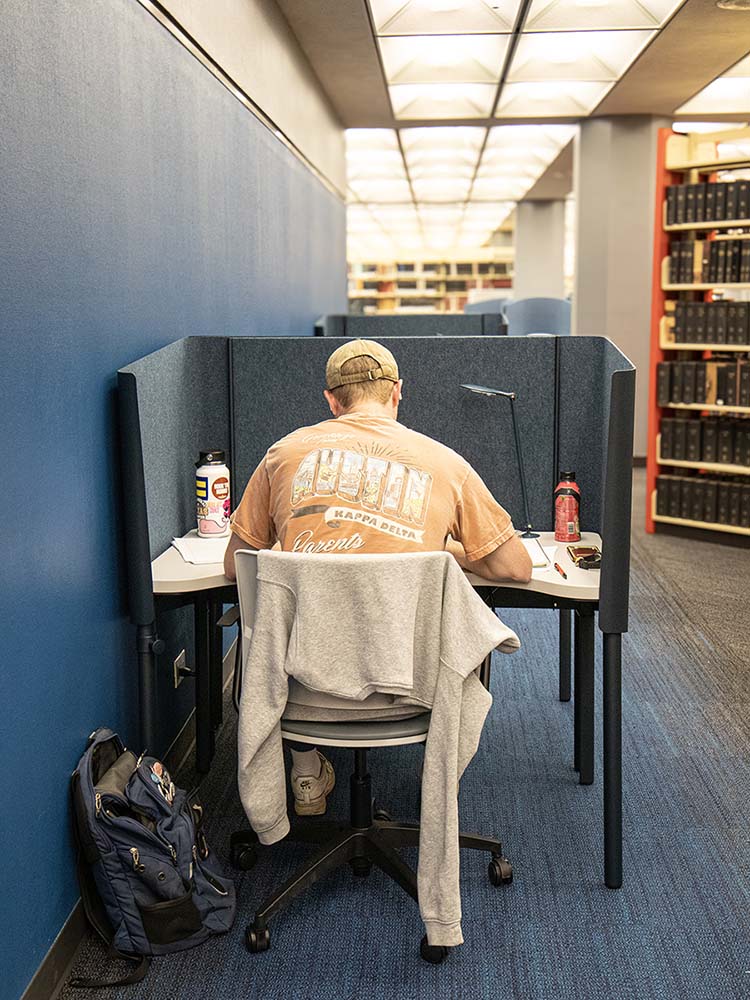
Students don’t let a little construction get in the way.
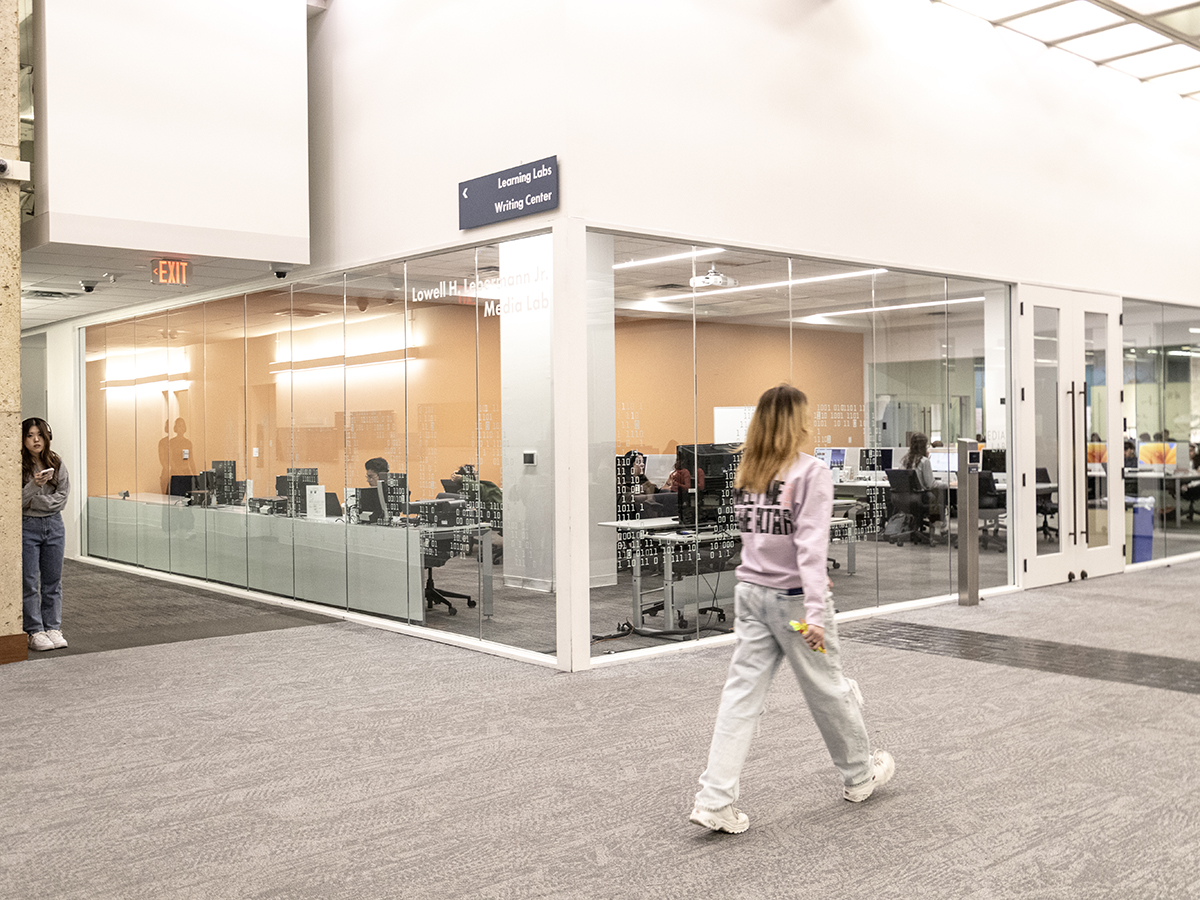
Rehab efforts have seen significant changes to key areas such as the additions of the Scholars Lab and the Center for Teaching and Learning office space, and updates to the PCL lobby, with a focus on improving functionality and aesthetics. Additionally, new carpet will has been installed in the map room, replacing the well-worn flooring that dated the space to the previous century.
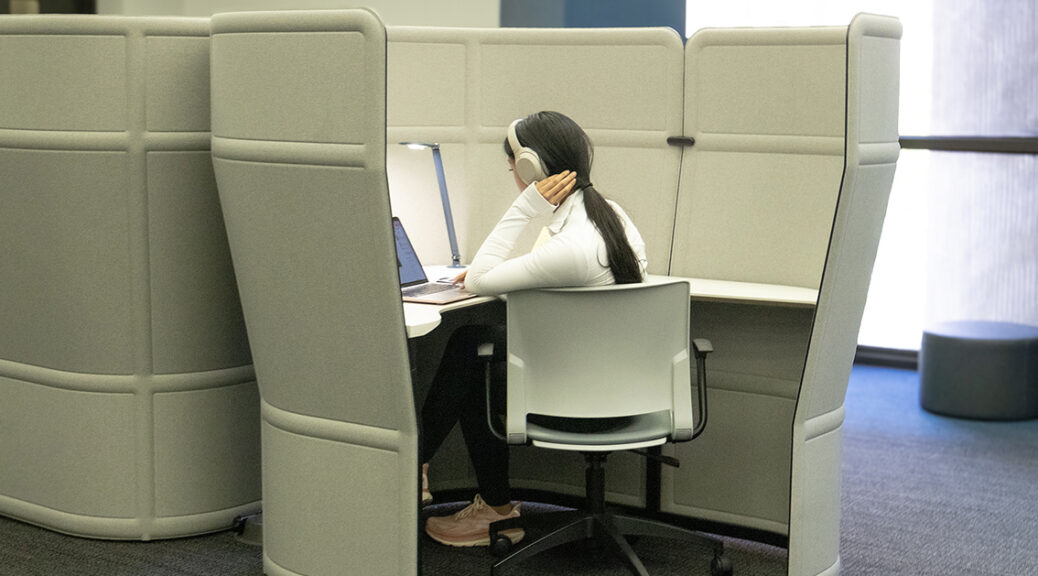
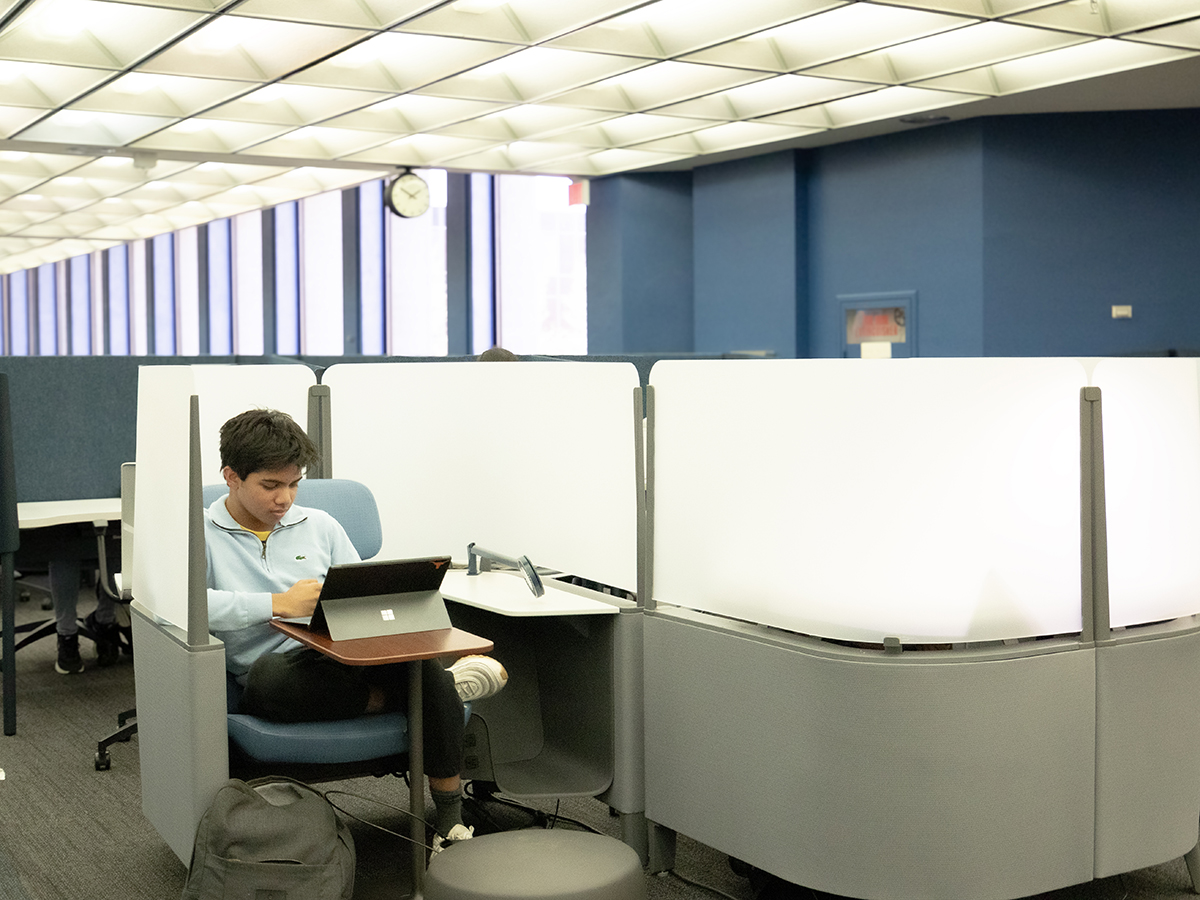
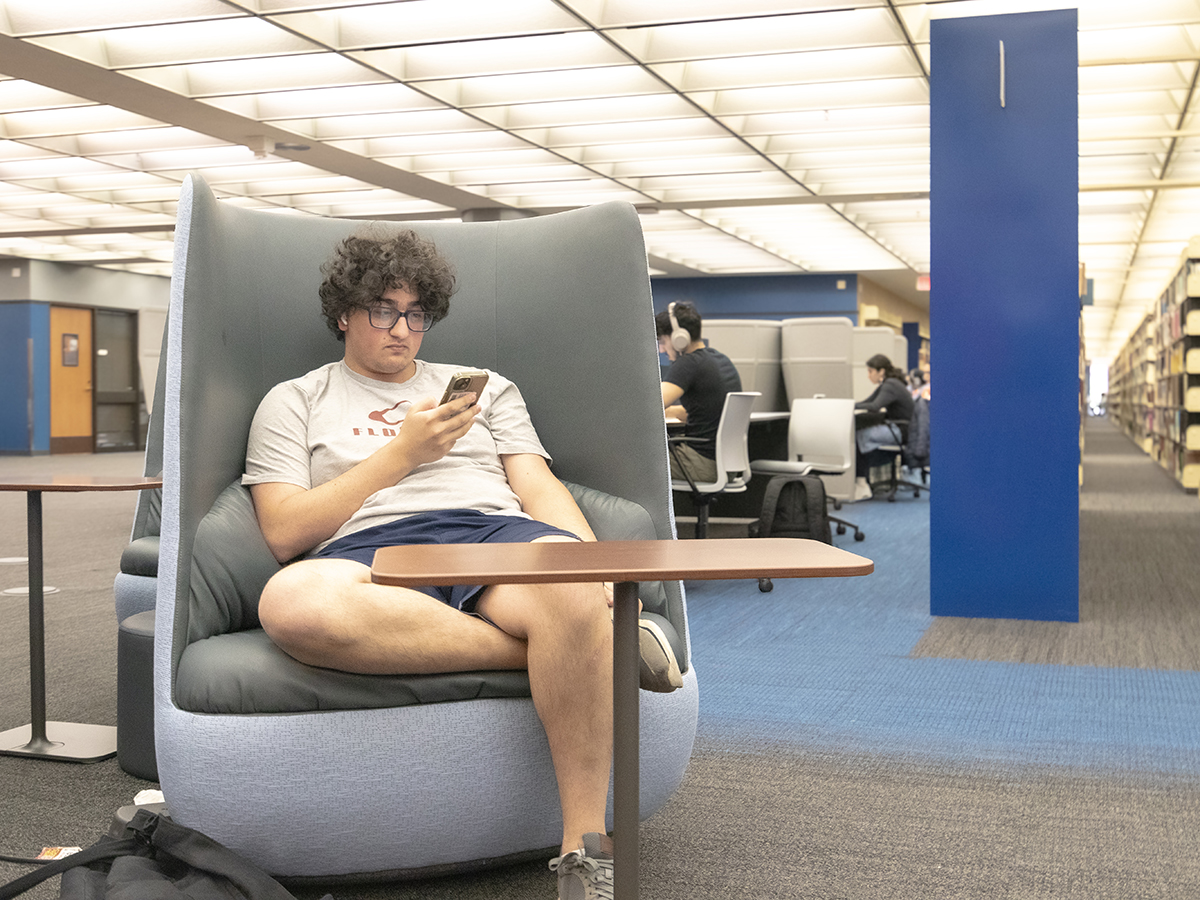
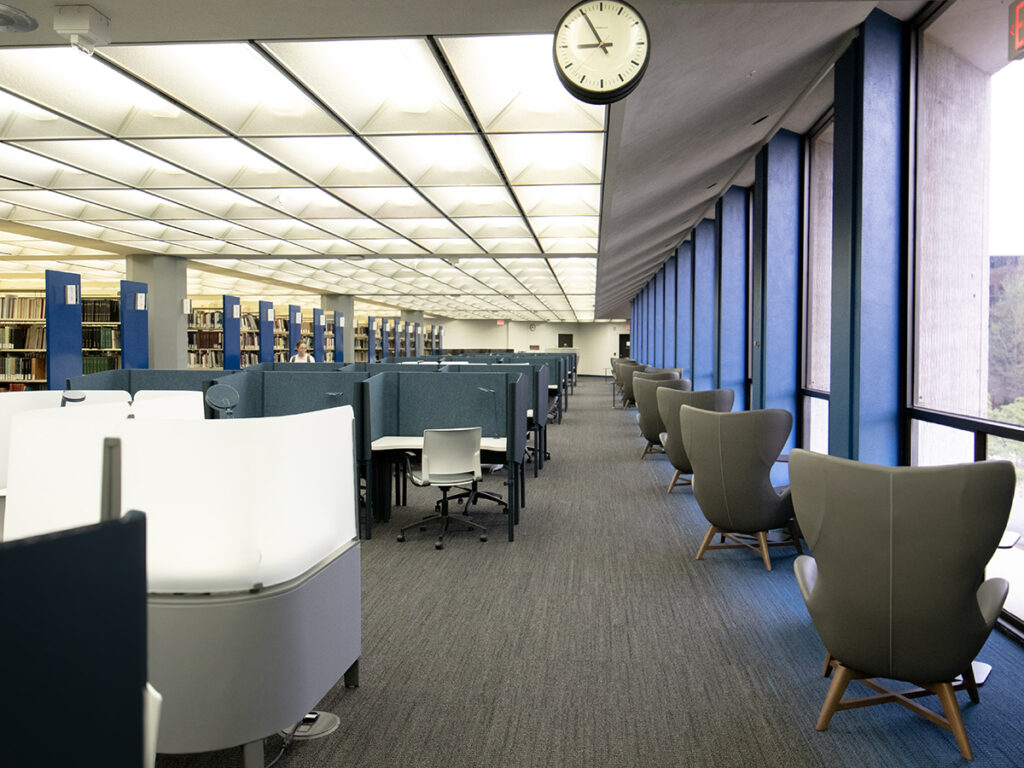
The fourth-floor quiet study has undergone significant renovations, with significant enhancements to its study areas aimed at elevating user experience and functionality. The notable update affects 6,800 square feet, which now boasts improved aesthetics and functionality. Featuring new accent colors, enhanced Wi-Fi capacity, and personal task lights, this space offers 138 seats, each equipped with enhanced electrical outlet access. Students can choose from a variety of seating options, including lounges, cubicles, and footrests, ensuring comfort and productivity.
The PCL lobby underwent a facelift in the wake of the Scholars Lab opening, covering 4,200 square feet and accommodating 66 seats with electrical outlet access. An added highlight is the inclusion of a 32-seat PC lab equipped with printers and scanners, catering to diverse academic needs. Moreover, the Scholars Lab renovation, spanning an impressive 16,250 square feet, provides an additional 256 seats with electrical outlet access, along with 10 new project rooms, fostering collaborative research endeavors. These renovations signify the library’s commitment to providing an enriching and conducive environment for academic pursuits.
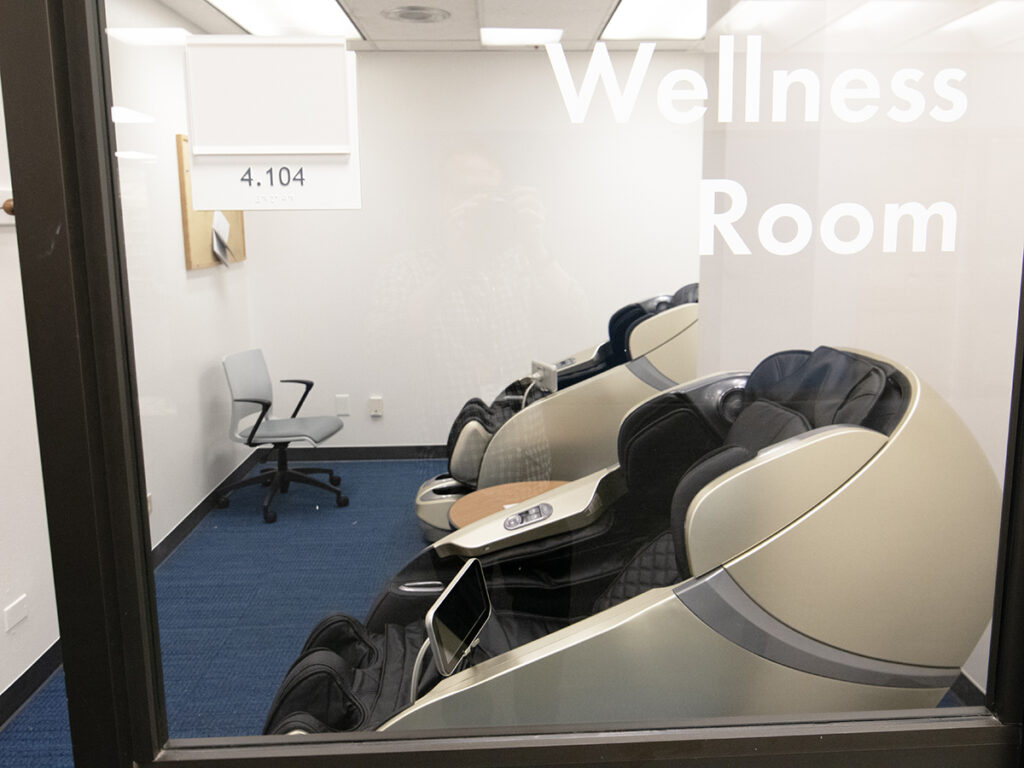
Beyond physical enhancements, the library is also prioritizing the well-being of its staff with the addition of new massage chairs in the staff lounge, as well as in a dedicated wellness room on the fourth floor. These amenities underscore the university’s commitment to supporting the holistic well-being of its community members.
And additional upgrades and improvements are on the horizon. Shaded outdoor seating on the Plaza will provide students with a comfortable space to study and relax, while updates to collaborative spaces on the upper floors will encourage teamwork and innovation. An upcoming renovation of interior fixtures and finishes in the larger restrooms on the second floor will further enhance the library’s amenities, ensuring that students have access to modern and comfortable facilities.
The renovations to PCL reflect the Libraries’ dedication to providing students and staff with state-of-the-art facilities that foster learning, collaboration, and well-being. With substantial completion expected by January of next year, the university looks forward to unveiling a transformed library that will serve as a hub of academic excellence for years to come.
The Librarian Lens is an occasional column featuring librarians who support the research lifecycle across a range of disciplines sharing research tips, updates about both Libraries-provided and open source resources, and related topics intended to intrigue, demystify and highlight topics of interest to the research-curious. Posted columns are provided or curated by librarians from the University of Texas Libraries STEM and Social Science Engagement Team.
Calling all researchers, students and anyone interested in exciting developments in health and medical information…read on to find out about the exciting All of Us Research Program that is on a mission to accelerate medical breakthroughs!
The All of Us Research Program is part of the National Institutes of Health. It is actively collecting data from a diverse population of participants across the United States. As of April 1, 2024 the program has 783,000+ participants, 432,000+ electronic health records and 555,000+ biosamples received according to the program’s Data Snapshots, which are updated daily. The program continues to enroll people from all backgrounds and is aiming for 1,000,000+ participants.
The Data
The program aims to connect the research community with the data, which is longitudinal and from a diverse population, including those typically underrepresented in biomedical research. The data are from participants’ survey responses, electronic health records, physical measurements, Fitbit records and biosamples. DNA from participants’ biosamples supply genomic data, including genotyping arrays and whole genome sequences. The data undergoes a curation process with rigorous privacy protections. On average the data is pushed out once a year. The All of Us Research Hub stores the data in a secure Cloud-based space, where it must remain. Imagine the possibility of all the research project opportunities, especially those on precision medicine, with the ability to combine genomic data with phenotypic data and analyze it on a large scale!
Public Access
There is a terrific way to get a better idea of the data that are available whether out of curiosity or for more in-depth study and that is through the program’s Data Snapshots and interactive Data Browser that anyone can access through the All of Us Research Hub. No prior authorization or account is required to explore the aggregated, anonymized data. In fact, this public access data can serve as a great jumping off point for developing a research project question! In addition, the Research Projects Directory, which currently lists over 10,000 projects, can be viewed by anyone and is a great place to browse for inspiration or collaboration opportunities. For students, it is a wonderful way to see examples of scientific questions and approaches. Papers resulting from these research projects are listed on All of Us Publications and anyone can read them because they have been published open access. The total number of publications is close to 300!
The All of Us Research Hub provides access to more granular data along with tools for analysis through the Researcher Workbench. To access granular data either on the registered tier or the controlled tier, researchers must complete registration and be approved. Registration is a four step process. The first is to confirm your institution has a Data Use and Registration Agreement (DURA) in place with All of Us. At the time of this writing, the University of Texas at Austin has a DURA in place. The next step is to create an account and verify your identity. The third is to complete mandatory training. Additional training is required to analyze the controlled tier data because that is where the genomic data is stored. The fourth and final step is to sign the Data User Code of Conduct. Steps two through four take about two hours to complete but do not have to be done all in one sitting. After completing registration, researchers will be able to access the data once they receive notification of approval from the All of Us program. The data can then be accessed and analyzed through the Researcher Workbench where researchers create Workspaces and submit descriptions of their research projects for listing on the Research Projects Directory. The program makes it easy for researchers to invite other registered users from their own institutions or from other institutions to their Workspaces for collaboration. This is especially helpful if a researcher needs someone else to run analysis with R or Python, the two options currently available. The program encourages and supports team science!
Access Cost & User Support
Even though there is a cost to researchers for analyzing and storing data for their research projects in the Cloud, there is good news. The program provides researchers $300 initial credits upon creating Workspaces in the Researcher Workbench to help them get started on their research projects. Researchers can get information on how to run their data cost effectively from the program’s User Support Hub. They can also speak with the program’s support team to get an idea of cost before analyzing data.
The All of Us Research Program’s investment in medical breakthroughs could not be more clear with the amount of thoughtful, varied support it has put together to help researchers access and analyze the data. The User Support Hub has video tutorials, articles, a help button, and an event calendar that lists the support team’s upcoming office hours among other events. Support resources for the Researcher Workbench range from getting started to working with the data to credits and billing. The support articles are kept current and are on topics such as using RStudio on the Researcher Workbench. The support team is responsive and ready to help! Help is provided by actual people, not chatbots. The program welcomes feedback and uses it to make the program better. For instance, if there is certain data not being collected that would be helpful to collect, let the program know!
By collecting data from the United States’ diverse population, especially from traditionally underrepresented groups in biomedical research, the All of Us Research Program strives to make the medical data that is currently available to researchers more complete. With researchers having access to not only genomic data, but also phenotypic data, their studies can fuel insights into our health on an individual level; thus potentially allowing for healthcare providers to provide better, more tailored care to each of us. To see the research studies made possible so far by the availability of the All of Us data, take a look at the All of Us Research Highlights today, and check back regularly to keep an eye on advancements and breakthroughs!
The All of Us Research Program seeks to connect the research community with its dataset, which is one of the largest, most diverse ever assembled, to spur research that will improve health for all of us. If you are feeling inspired as a researcher or want to become a participant or are just curious to find out more about the program, visit the program’s websites at researchallofus.org or allofus.nih.gov.
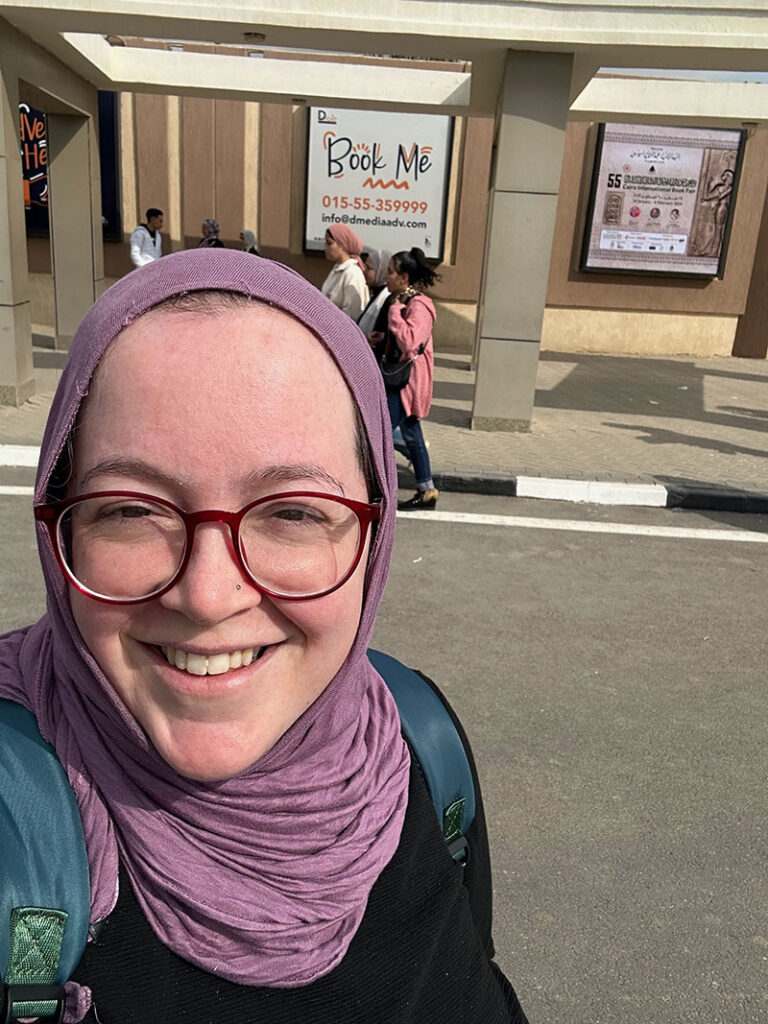
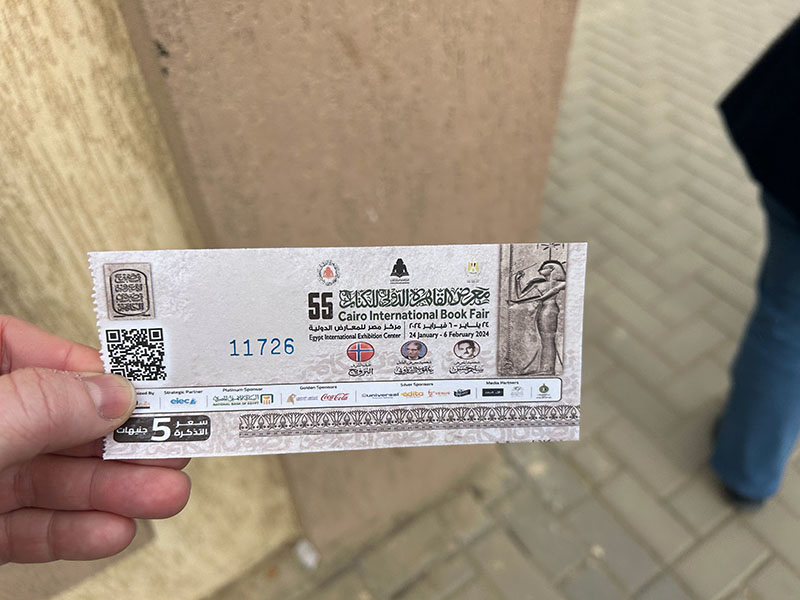
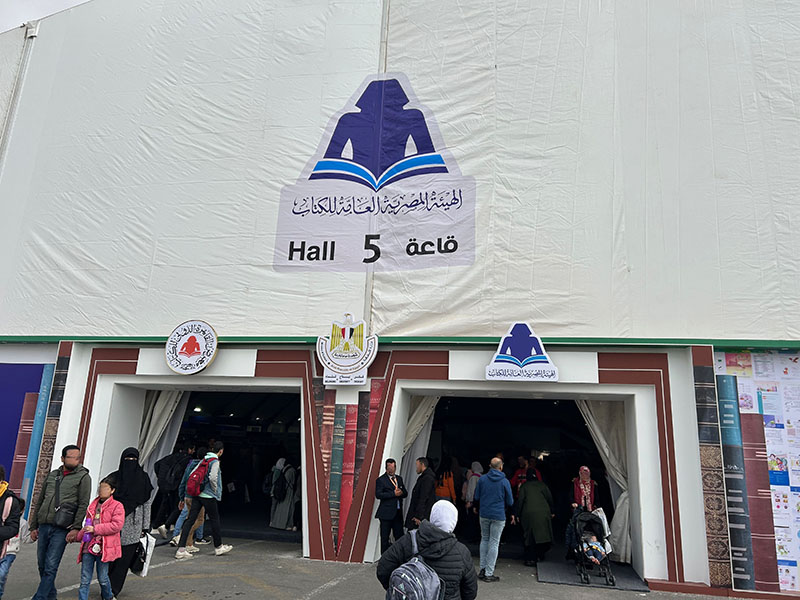
One of the best parts of serving as the Middle Eastern Studies Librarian for UT Libraries is making and maintaining relationships with scholars, publishers, and vendors. I take advantage of any opportunity to travel to continue fostering these relationships, and my trip to Egypt in late January was no different. I was lucky enough to be able to travel specifically for the Cairo International Book Fair. Over the course of two weeks, I bought amazing books and journals from vendors local to Egypt and coming from around the Middle East, met new suppliers of key research materials, and I was able to connect with dear colleagues new and old.
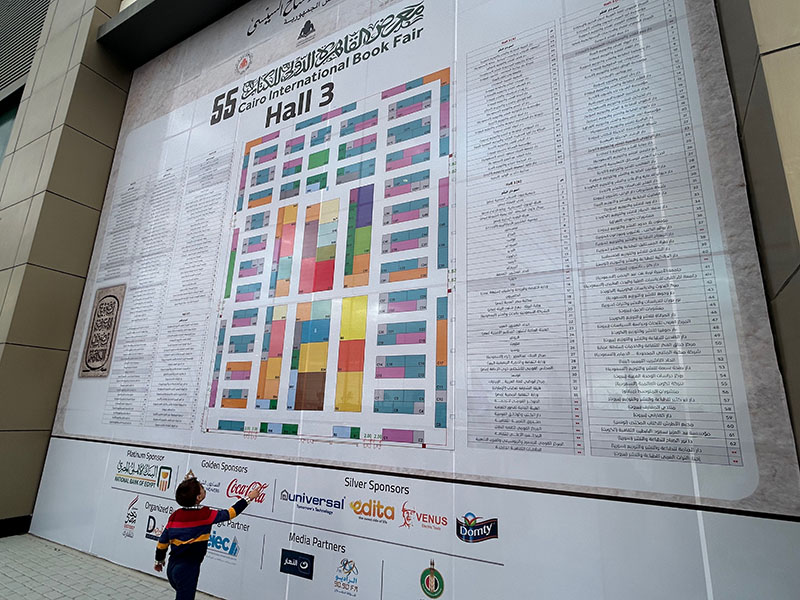
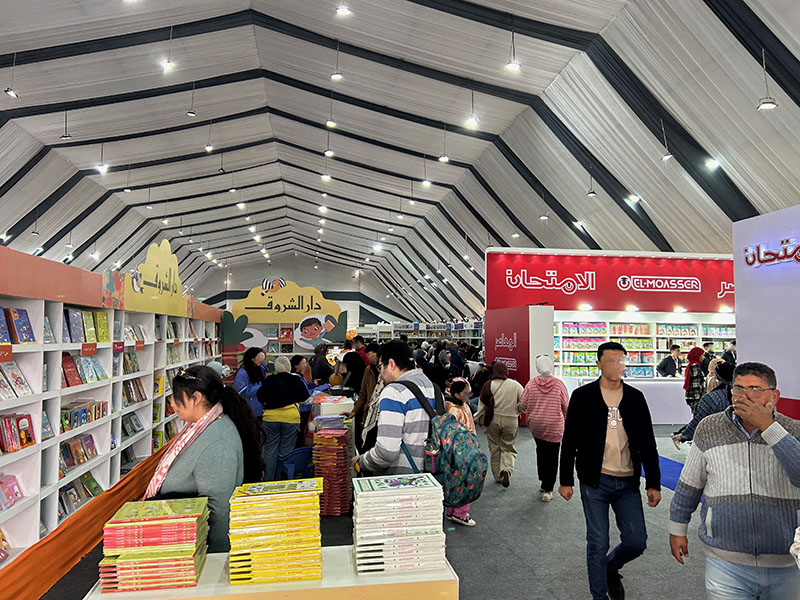
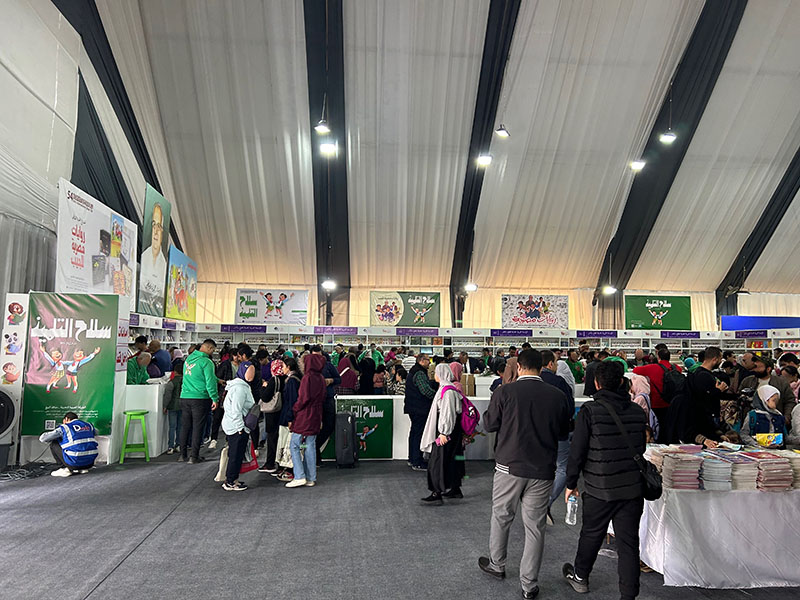
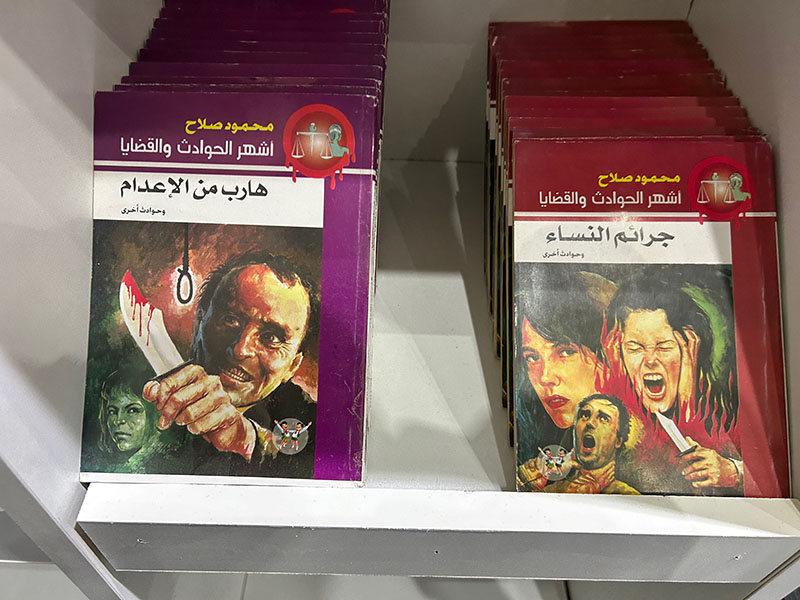
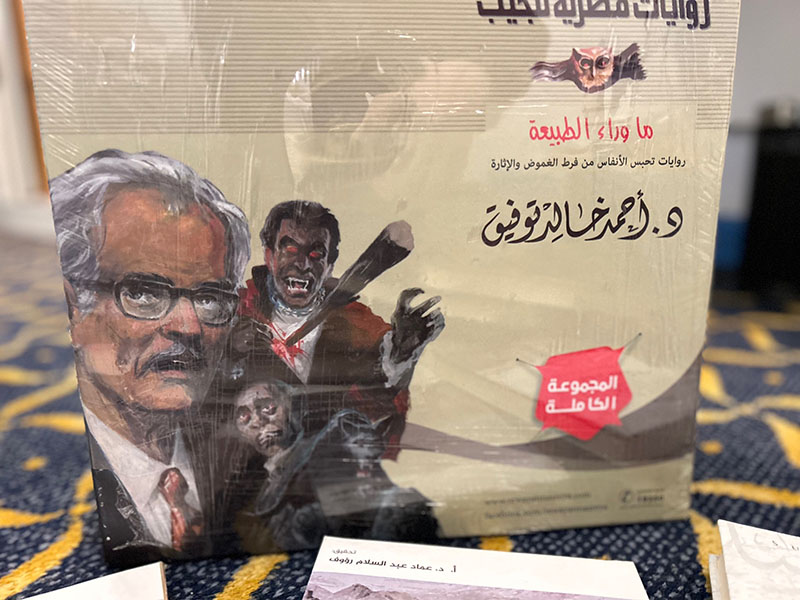
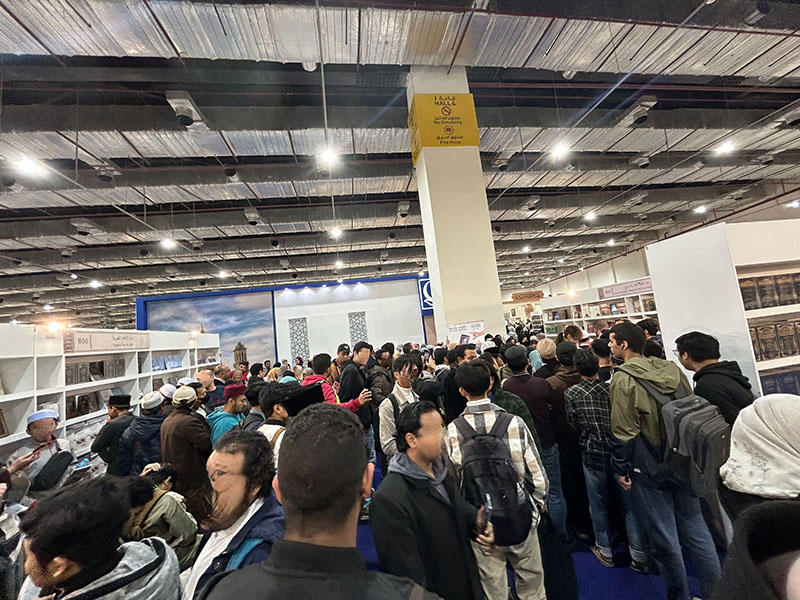
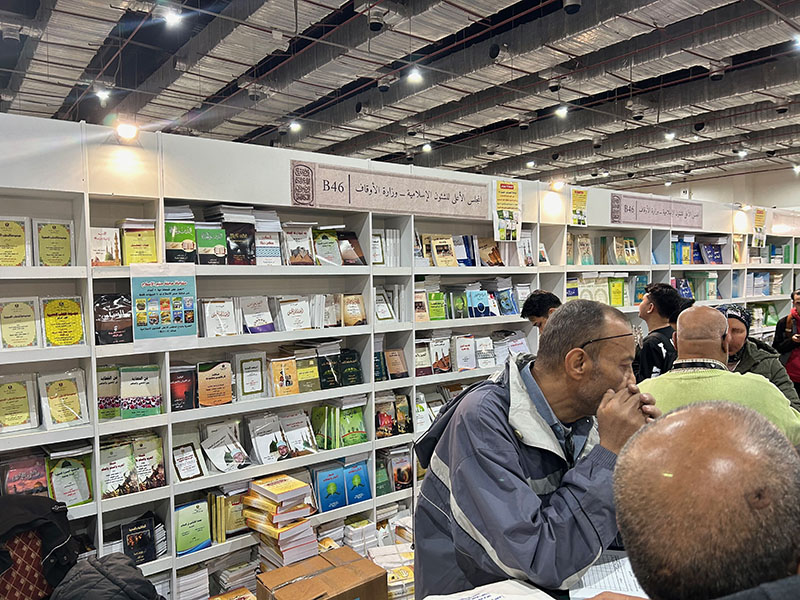
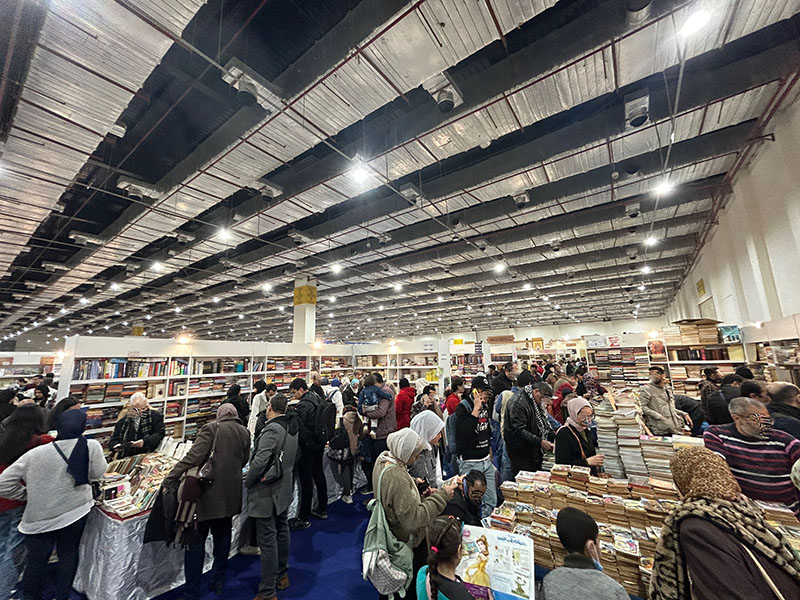
The Cairo Book Fair is massive. This is not hyperbole: the event is often said to be the largest book fair in the world after Frankfurt, and perhaps more family-friendly than any other. Vendors from all over the world come to offer their wares, and people from all walks of life attend. There are groups of Egyptian schoolchildren on field trips; international students studying at Egyptian universities; scholars of the Middle East from around the world; whole families; teens out for a fun afternoon; and of course, librarians from all over the world who come to find the best, most interesting, rare, or latest publications. I spent my first few days at the Cairo Book Fair at the Children’s Hall and making a preliminary review of the international Islamic vendors in halls 3 and 4. It was in the Children’s Hall that I found the publisher al-Mu’assasah al-‘Arabiyyah al-Hadithah li’l-Tab’ wa’l-Nashr, and they were promoting riwayat al-jib, or pocket novels. In particular, they had produced a boxed set of the full supernatural collection of author Ahmad Khalid Tawfiq. UT Austin already owns a few of his works, including, among others, Mithl Ikarus (Just Like Icarus). The set that I bought includes 81 science fiction, fantasy, and paranormal titles in a small, portable format, with––frankly––delicious cover art. This set, titled Ma Wara’ al-Tab’iah, was the basis of the Netflix series Paranormal.
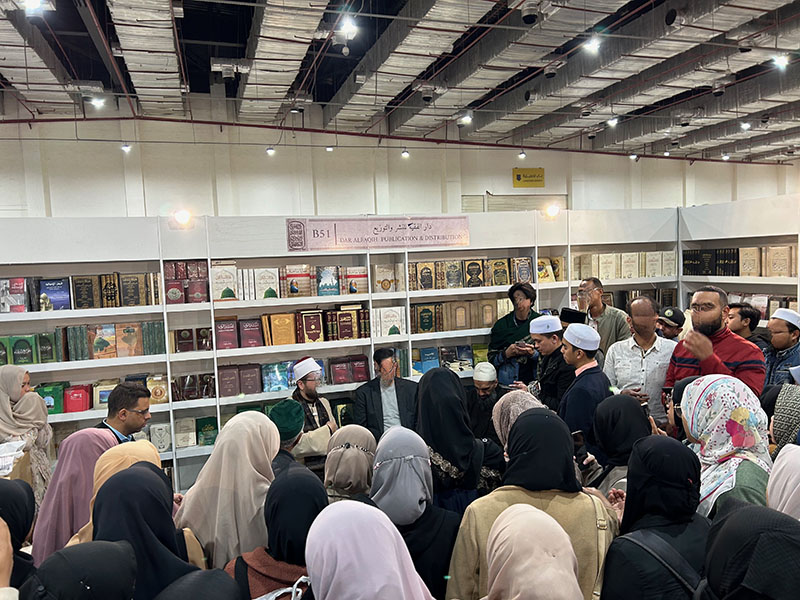
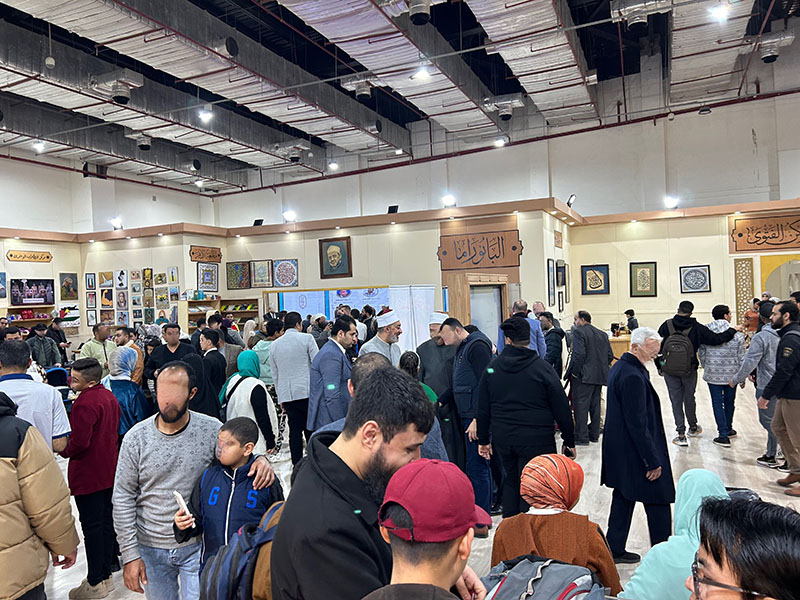
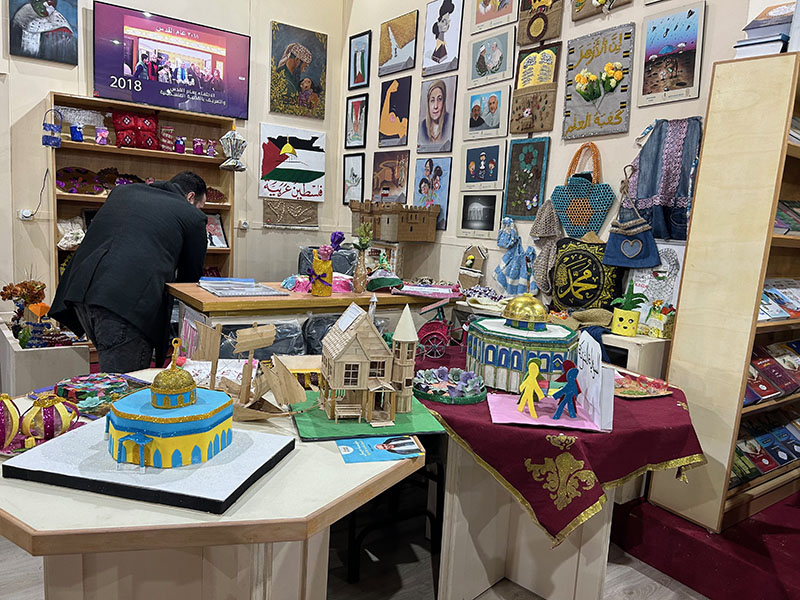
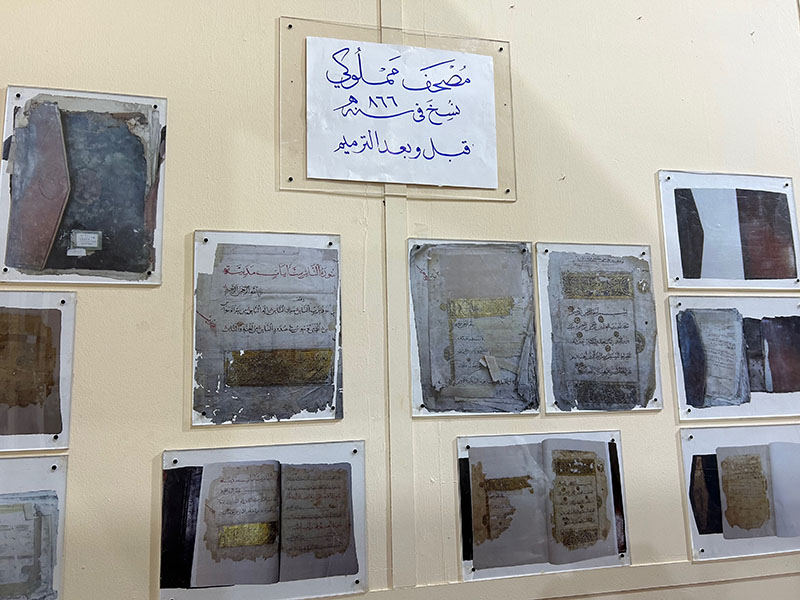
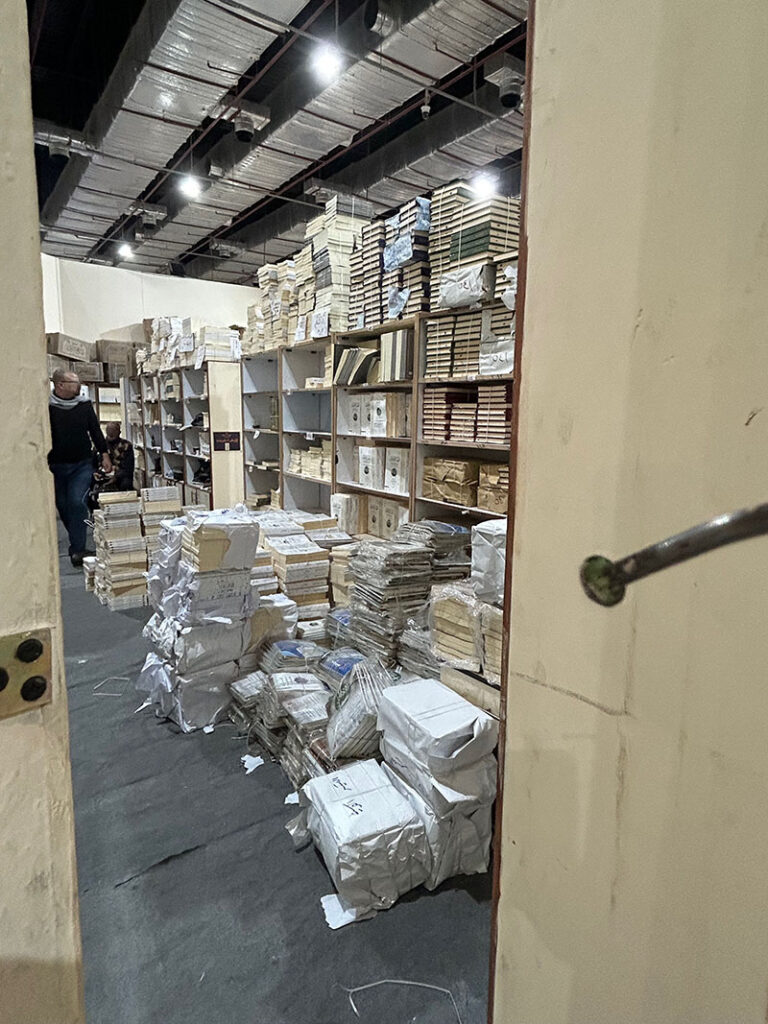
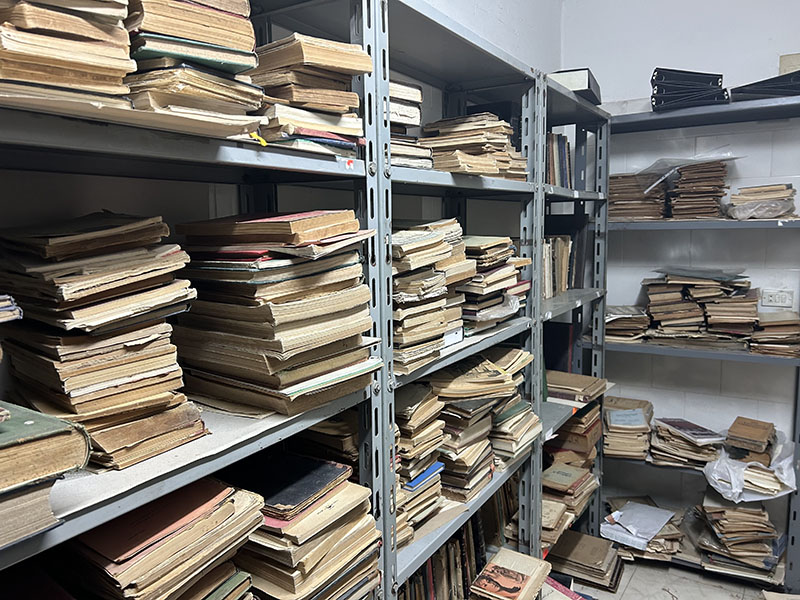
In Halls 3 and 4, I found the majority of the international and Egyptian Islamic vendors. Of particular interest were the booths and pavilions for the Dar al-Ifta’ organization and Al-Azhar University. The latter had an entire pavilion with exhibits on the manuscripts held at the Al-Azhar Library and the expertise of the preservationists who care for those rare and special materials, as well as art displays and activities for children and adults. I took a peek in their storage room to find what I had originally expected and hoped to find: the classic paperback Azhari texts and textbooks. Researchers focusing on the history of Al-Azhar as an educational institution, or on the history of Islamic education at all levels (for al-Azhar is not just a university, but also operates a K-12 school system), would find these materials central to their work. They are inherently ephemeral, due to their purpose of use and construction, so it was a rare opportunity to find them for UT Libraries’ collection.
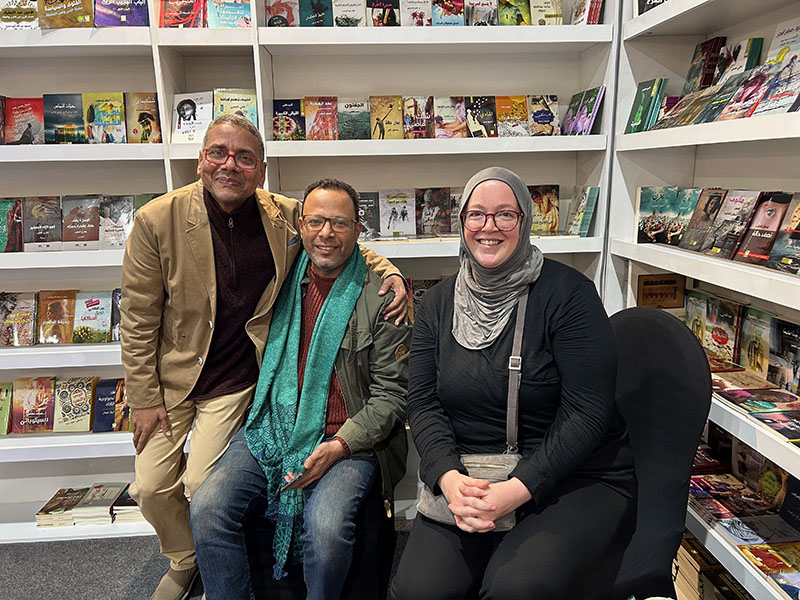
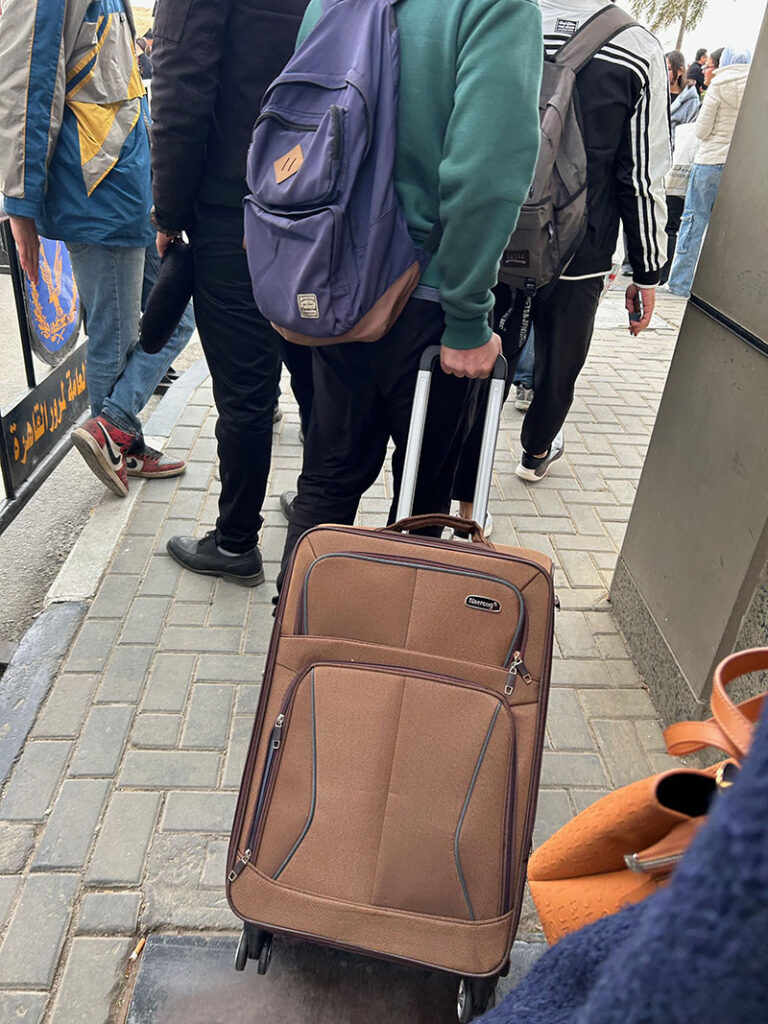
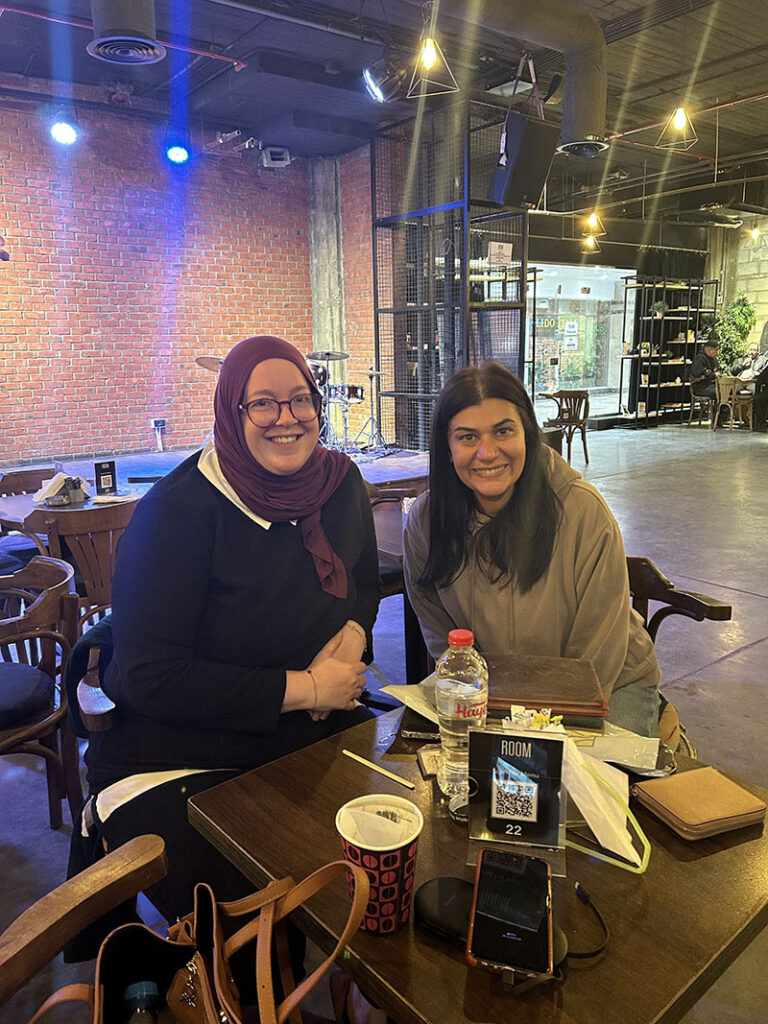
Over the following few days, I made my way with more intention through halls 3 and 4 and also explored halls 1 and 2. I had the pleasure of visiting with fellow librarian, Dr. Walid Ghali, who is a professor and director of the library at the Aga Khan University (London). Dr. Ghali recently released three novels of his own, and we had a delightful conversation about librarianship and authorship while at the booth for his novels’ publisher, Dar al-Nasim. I also had the opportunity to speak with Ashraf ‘Uways, the founder of Dar al-Nasim. It was wonderful to learn more about his approach to selecting titles for publication, and especially his interest in supporting the publication of Arabic novels by authors in non-Arabic speaking countries in Africa. With such wonderful publishers at my disposal, I was acquiring quite a bit of incredible material. Each day, I arrived at the fair with a suitcase to fill, and I wasn’t the only one. From students to families to scholars, nearly everyone had a bag or cart of some kind to help them transport home their precious finds.
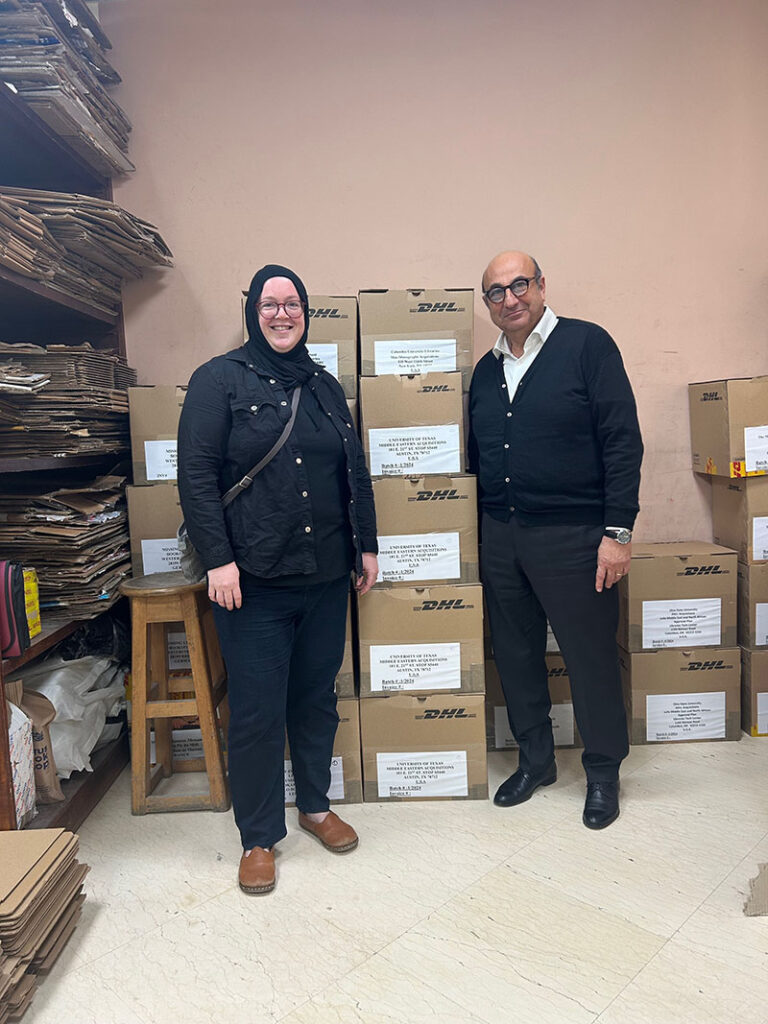
Traveling to Egypt was also an opportunity to meet with UT Austin’s regular book vendors. I had the pleasure to see George Fawzy, the director of our beloved vendor Leila Books. We were able to check-in in person about the research priorities at UT Austin and how those shape the materials that we acquire through Leila Books, and we were able to catch up on the state of libraries in North America and publishing in the Middle East. Visiting the Leila Books office is a delight for me because I get to see their incredible work in action, meeting the folks behind acquiring and shipping our materials. I always have to get a photo with the latest UT Austin shipment, and sure enough we had several boxes that were about to be sent out.
Additionally, I was able to meet with a new vendor who specializes in rare materials and visit his warehouse on the outskirts of Cairo. It is from this vendor that I have been able to acquire unique periodicals, including al-Majmu’ah al-Da’imah and al-Majallah al-Misriyyah li’l-‘Ulum al-Siyasiyyah (the Egyptian Journal of Social Science), which I brought back from this trip. Al-Majmu’ah al-Da’imah is a huge, multi-volume work that compiles the official record of judicial decisions issued in Egypt since the beginning of the national court system in 1883, and I would not have been able to locate it without this vendor’s help and some luck. I also found out-of-print significant, even rare, materials from the book market of Azbakiyyah in central Cairo. With the Cairo Book Fair on, the entirety of Azbakiyyah market moves to the Fair, where they have their own dedicated section. The Azbakiyyah booths are the most popular and most lively of the Fair, with materials moving in and out constantly. If you ever want to find a particular scholarly edition, or affordable novels, Azbakiyyah, or perhaps its section at the fair!, is the place to go.
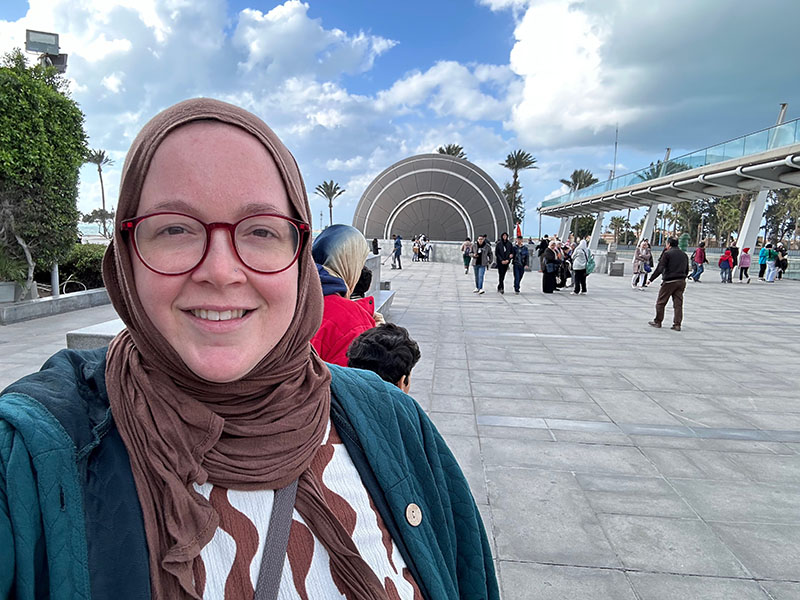
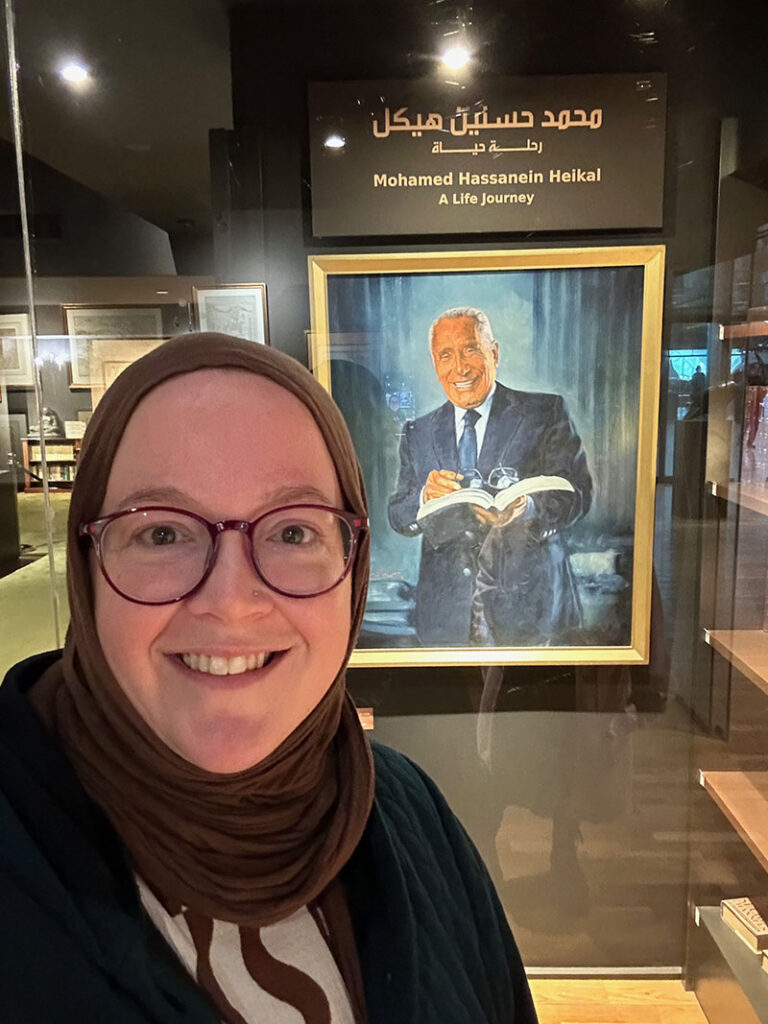
My trip to Egypt was not only about acquiring pivotal materials for the UT libraries—I also took the time to visit key Egyptian cultural heritage institutions and to meet with scholars. I had the honor of finally meeting Dr. Nesrine Badawi (the American University in Cairo) in person. We had an engaging conversation about current trends in Egyptian scholarship and discussed her most recent research on Islamic law and the regulation of armed conflict. Additionally, I was able to visit Alexandria, the second largest city in Egypt, and spend a day at the Bibliotheca Alexandrina. Although I have visited this beautiful library and its extraordinary collections before, it is always worth a trip for the new exhibits and rotation of special collections on display. On this visit, I was able to tour the reconstructed private library of renowned journalist and director of al-Ahram newspaper, Mohamed Hassanein Heikal. The extensive exhibit was a stunning look inside Heikal’s education, career, and personal and professional relationships. For my own intellectual amusement, I spent a great deal of time in the rare books room, reviewing the latest rotation of centuries-old manuscripts. Bibliotheca Alexandrina now boasts a significant collection of ancient Egyptian art and contemporary Egyptian art, ranging from paintings to sculpture to ceramics.
It was a delight and an honor to be able to return to Egypt and to visit the Cairo Book Fair this year. I am sincerely grateful to the Center for Middle Eastern Studies, the UT Libraries, and our generous HornRaiser donors for making this trip possible. I look forward to my next trip and the caretakers and creators with whom I will forge relationships.
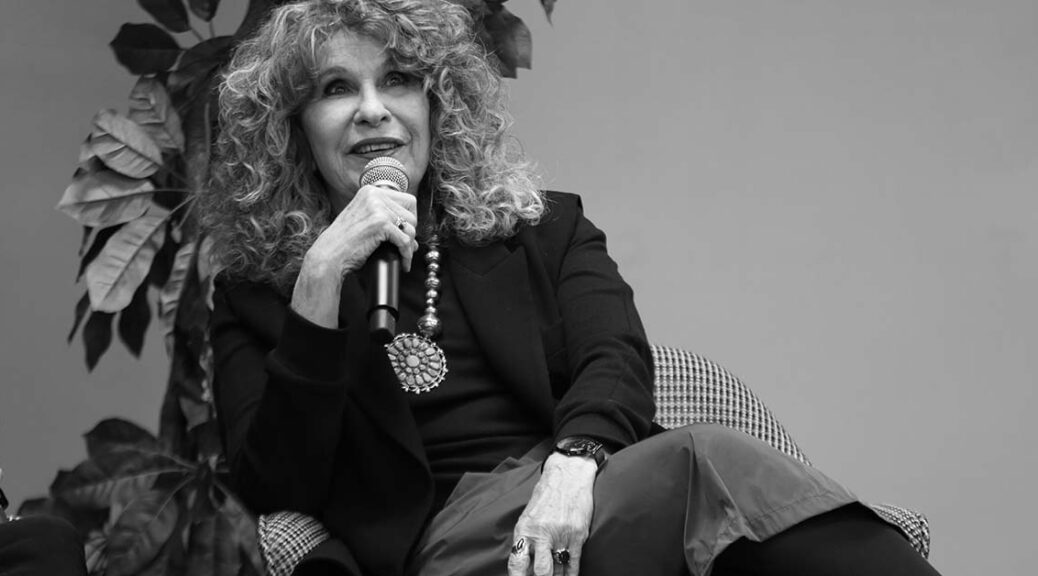
Renowned Nicaraguan writer and political figure, Gioconda Belli, spoke to a captivated crowd of over 120 attendees at a March 20 event hosted by the Benson Latin American Collection. The occasion served not only as a platform for Belli to share her remarkable journey but also to celebrate the acquisition of her archive by the Benson Latin American Collection.
Born in Managua, Belli grew up amidst the political upheaval of the Somoza dictatorship. Educated both in Nicaragua and abroad, she studied in Europe and the United States before initially pursuing a career in advertising, later shifting her focus to revolutionary politics.
In 1970, Belli joined the Sandinista National Liberation Front (FSLN), a leftist guerrilla organization opposing the Somoza regime, where she served as a clandestine courier, transported weapons, and travelled around Europe and Latin America obtaining resources and raising awareness of the Sandinista struggle.
Belli’s literary works artfully merge fiction and autobiography, drawing from her experiences as a revolutionary and a woman. Themes of love, desire, politics, and social change permeate her writing, notably exemplified in her renowned novel “The Inhabited Woman” (La mujer habitada, 1988).
Belli’s talk at the Benson delved into her experiences as a Sandinista and how these pivotal moments, intertwined with her personal life, have shaped her identity as a writer. The event provided Belli an opportunity to reflect on the preservation of her legacy at the Benson, and the importance of maintaining a historical accounting.
Attendees were treated to a recital of her poetry during her talk, and her compelling narrative resonated deeply with the audience, sparking thoughtful questions during the Q&A session that followed with director of the Teresa Lozano Long Institute of Latin American Studies (LLILAS) Adela Pineda.
Despite being exiled by the government of Daniel Ortega in 2022, Belli remains actively engaged in social and political advocacy, championing women’s rights and democratic reforms in Nicaragua and beyond. Continuously writing and participating in public discourse, she uses her platform to amplify marginalized voices and advocate for social justice.
The event not only served as a tribute to Gioconda Belli’s contributions to literature and politics but also highlighted the importance of preserving her legacy through the acquisition of her archive by the Benson Latin American Collection.
The Libraries once again recognized Open Education Week (March 4-8) with events and activities intended to raise awareness of open educational resources and their application across campus, foster collaboration, and empower learners and educators alike.
Open Educational Resources (OER) are openly licensed materials that can be:
Retained
Reused
Revised
Remixed
Redistributed
OER can make a huge difference for students, especially in terms of cost savings. In the 2022-2023 academic year alone, students saved over $1.8 million dollars because OER was prioritized over paid course materials.
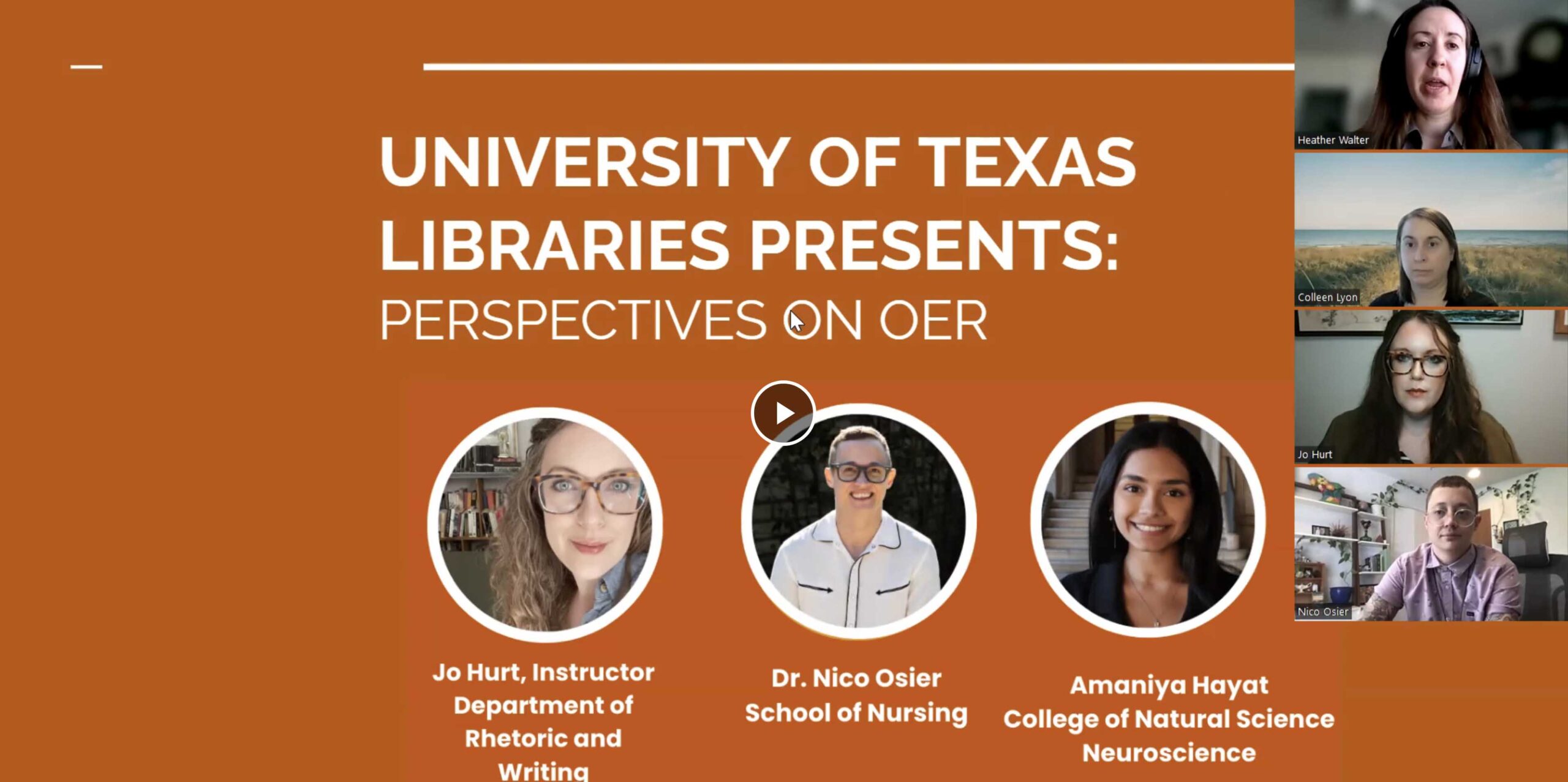
The highlight of the Libraries’ Open Education Week 2024 was a virtual panel discussion featuring educators and students who gathered to share their perspectives on the transformative potential of open educational resources (OER) in widening access to quality education. From exploring innovative pedagogical approaches to discussing the role of technology in enhancing learning experiences, the panel provided invaluable insights into the evolving landscape of open education.
Tocker Open Education Librarian Heather Walter amplified the celebration and recognized faculty and student OER advocates throughout the week on web platforms. Dr. Jocelly Meiners (Spanish and Portuguese) received a spotlight for championing open educational resources (OER) and collaborating with faculty to integrate OER into their courses and promoting awareness of open access principles among students and colleagues. And student advocate Marco Pevia (COLA, Spanish and Linguistics) received a nod for his collaboration with faculty to incorporate OER into courses, participated in open access advocacy efforts, and engaging in projects aimed at expanding access to knowledge.
Walter also used her social media prowess to promote the message of Open Education Week, sharing updates, resources, and insights on Instagram which provided glimpses into the vibrant events taking place, encouraging broader participation and sparking meaningful conversations around the importance of openness in education.
Even though Open Education Week 2024 has drawn to a close, the Libraries continues its commitment to fostering a culture of openness, accessibility, and collaboration in education. Through ongoing initiatives, partnerships, and advocacy efforts, the Libraries strives to empower learners and educators to embrace the principles of openness and drive positive change at UT.
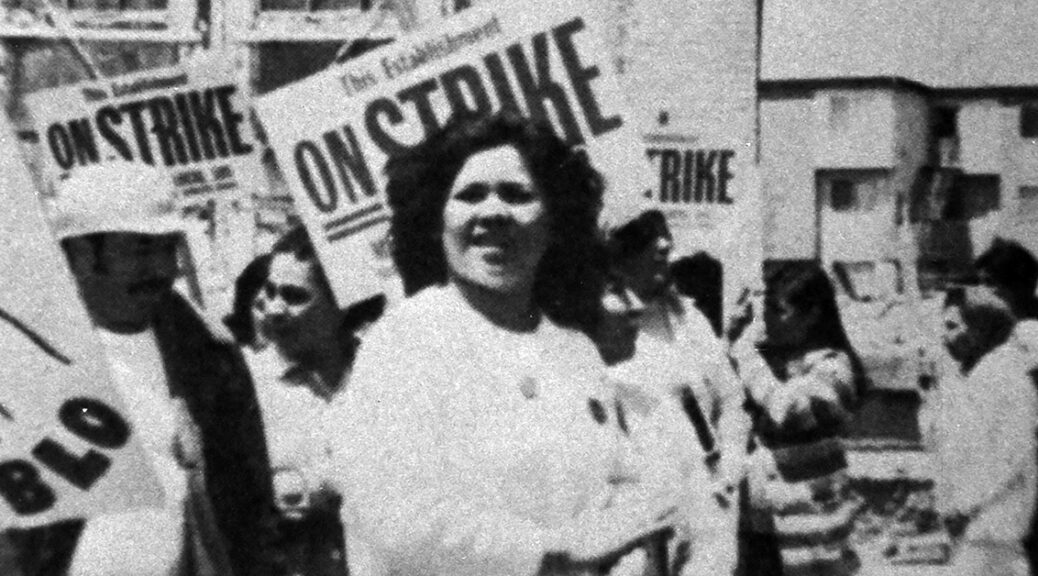
Women’s History Month is an opportune time to reflect on the multifaceted contributions of women, especially those from diverse cultural backgrounds. In recognition, we turn our attention to the Chicana community and the rich resources available at the University of Texas Libraries – and especially the Benson Latin American Collection – that celebrate and document their stories.
At the heart of Chicana history lies a narrative of resilience and resistance. From the Chicano Movement of the 1960s and 70s to contemporary social justice initiatives, Chicana women have been instrumental in advocating for change. The Libraries’ collections include seminal works and primary sources that shed light on Chicana activism, identity formation, and community organizing. Researchers and enthusiasts alike can access documents, oral histories, and archival materials that capture the spirit of Chicana activism across different eras.
The Libraries boast a rich assortment of Chicana literature, from classic works by luminaries such as Gloria Anzaldúa and Sandra Cisneros to contemporary voices pushing boundaries and redefining genres. The Libraries’ catalog offers an extensive selection of Chicana-authored works – including poetry, fiction, or scholarly analysis – that illuminate the complexities of identity, migration, and belonging.
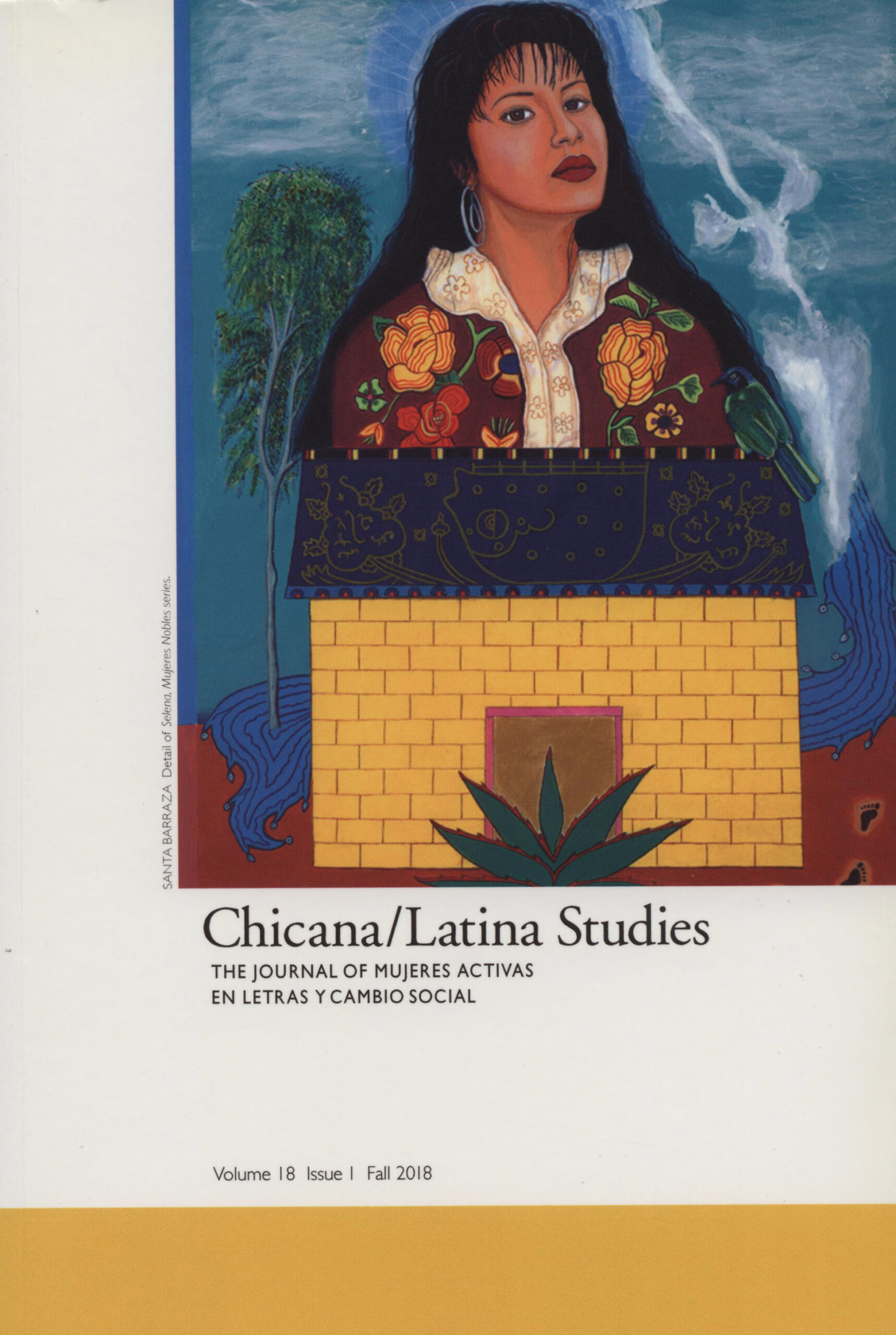
The visual and performing arts are integral to Chicana cultural expression, offering mediums through which artists challenge stereotypes, reclaim narratives, and celebrate heritage. Libraries’ resources include an impressive collection of visual art, photography, and performance documentation that capture the vibrancy and diversity of Chicana artistic production. From iconic murals to groundbreaking performances, these materials provide insight into the evolution of Chicana artistry and its intersections with politics, feminism, and cultural heritage.
In addition to physical holdings, the Libraries offers an array of digital archives and special collections that provide convenient access to rare and unique materials. Through digitization initiatives, scholars and enthusiasts worldwide can explore manuscripts, photographs, and ephemera related to Chicana history and culture. These digital resources not only preserve valuable artifacts but also facilitate research, teaching, and community engagement initiatives that promote awareness and understanding of Chicana experiences.
Here are some examples from the extensive holdings at the Libraries and the Benson Latin American Collection:
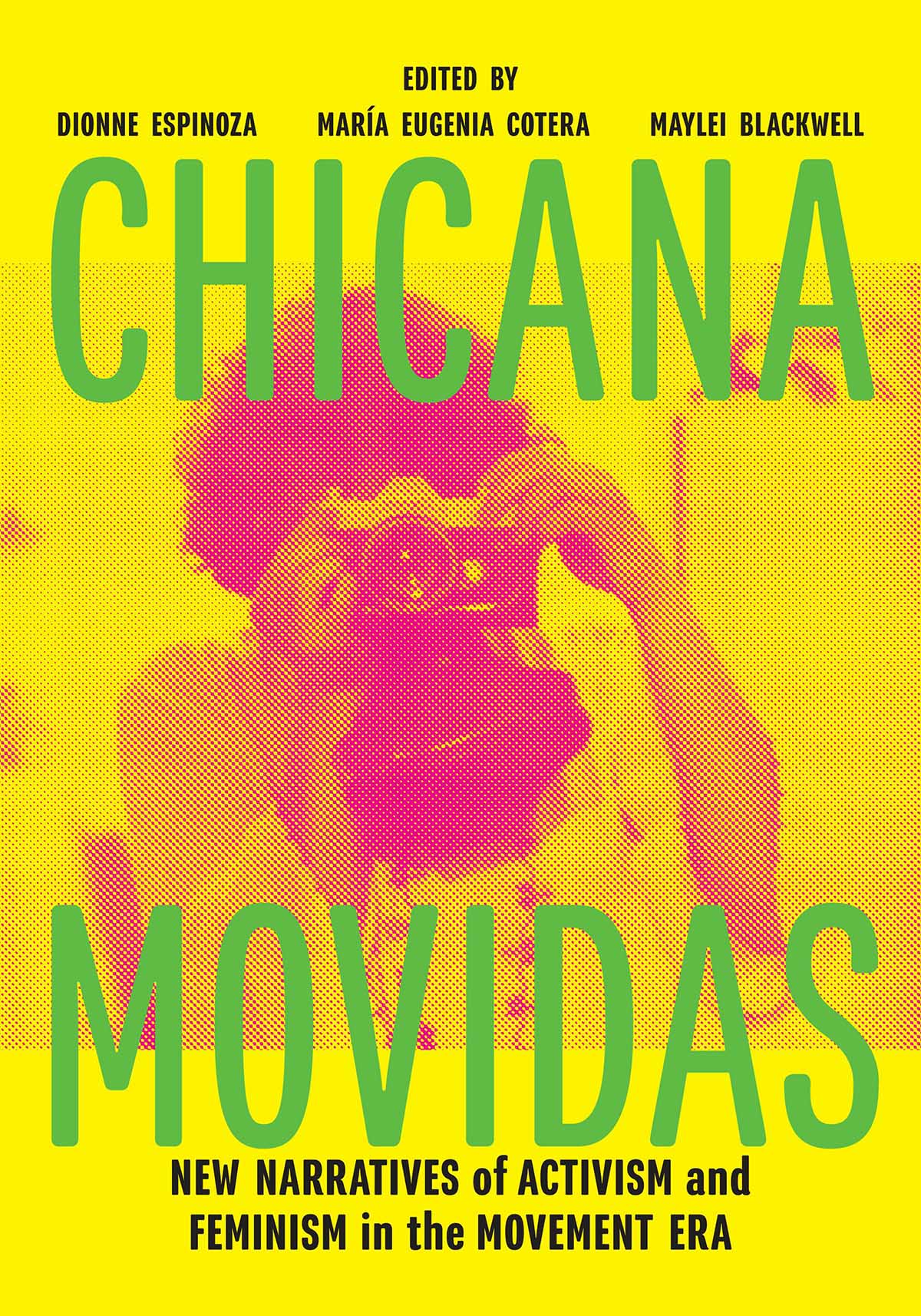
Chicana Movidas: New Narratives of Activism and Feminism in the Movement Era by Maylei Blackwell: This groundbreaking book examines the contributions of Chicana activists during the civil rights and feminist movements of the 1960s and 1970s. Drawing from oral histories and archival research, Blackwell sheds light on the often-overlooked role of Chicana women in shaping social and political change.
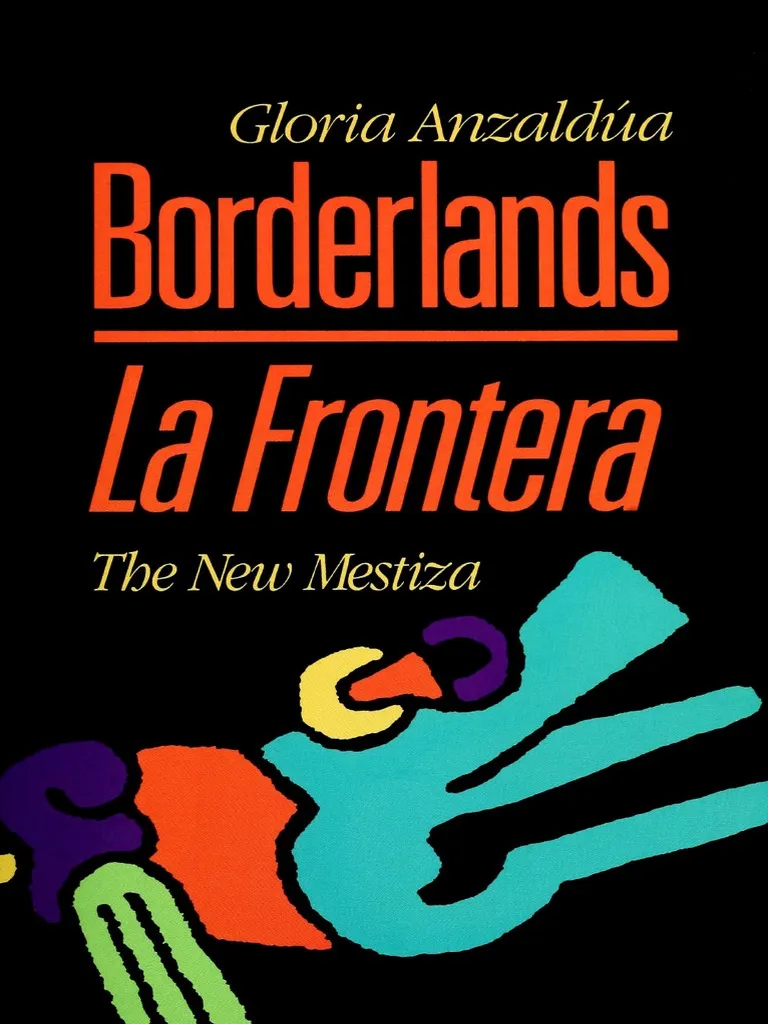
Borderlands/La Frontera: The New Mestiza by Gloria Anzaldúa: An iconic work in Chicana feminist literature, Anzaldúa’s Borderlands/La Frontera explores the intersection of gender, race, and culture in the borderlands between the United States and Mexico. Through prose and poetry, Anzaldúa challenges conventional notions of identity and belonging, inspiring generations of activists and scholars. The Benson holds Anzaldúa’s archive, so curious scholars can see the author’s process at work from original manuscripts and source materials.
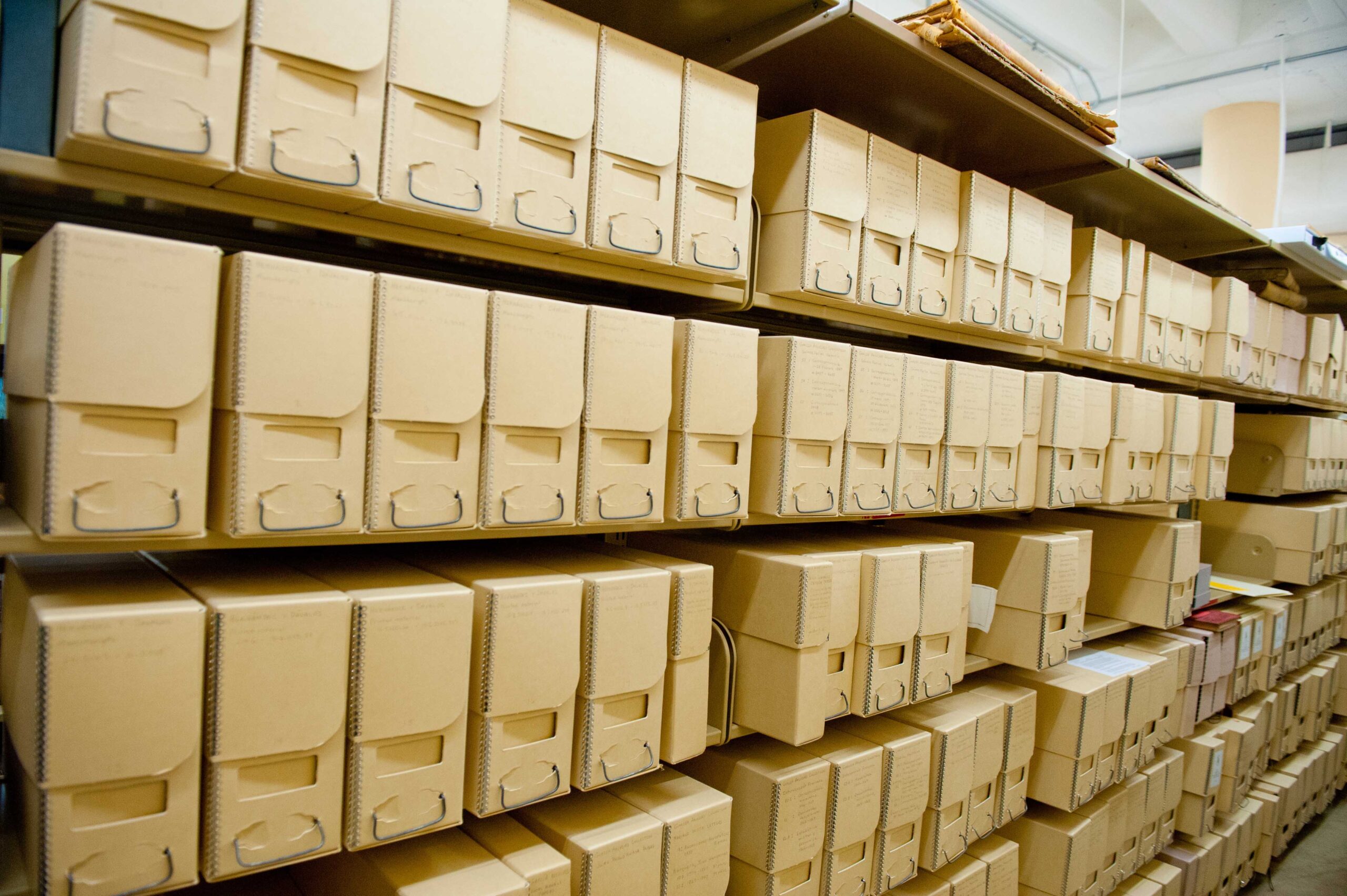
Chicana Archival Collections: The Benson Latin American Collection stands as a repository of invaluable Chicana primary resources, preserving the rich cultural tapestry and narratives of Chicana individuals. Within its holdings, iconic figures contribute distinct threads to the vibrant mosaic of Chicana heritage. Gloria Anzaldúa’s groundbreaking works challenge societal boundaries and explore the complex intersections of identity. Yolanda Alaniz’s activism and writings on feminism and Chicana identity serve as testament to the resilience and agency of Chicana women. Carmen Tafolla’s poetry and prose capture the spirit and struggles of Chicana life, while Carmen Lomas Garza’s art vividly depicts everyday scenes infused with cultural symbolism and familial warmth. These examples provide a mere cross-section of the rich Chicana holdings available to researchers and the curious alike.
Chicano Database: This comprehensive bibliographic index covers Chicano and Latino topics, including art, education, history, literature, and more. It includes citations to articles, books, book chapters, and conference papers, making it an invaluable resource for conducting research on Chicana studies.
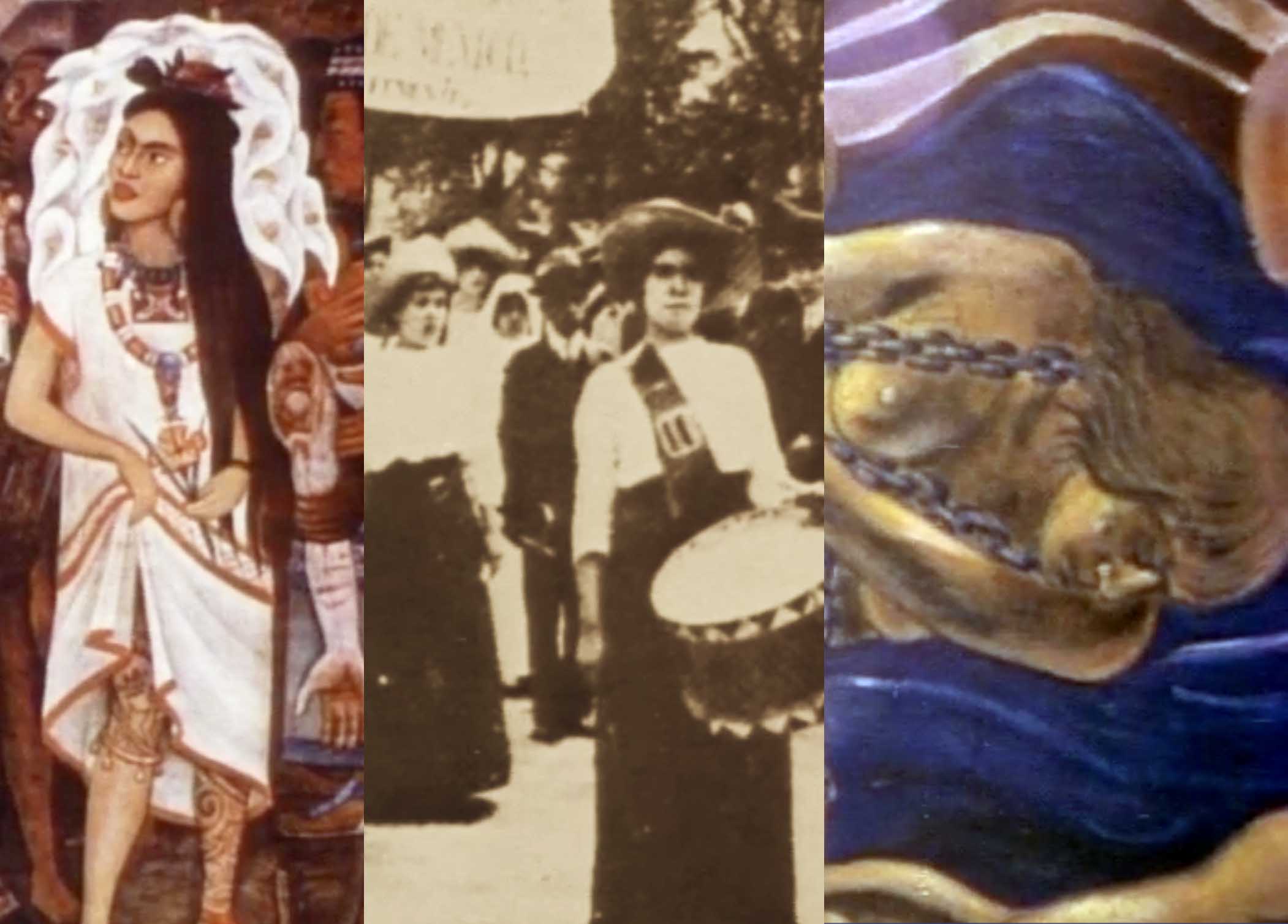
Chicana: This documentary by Sylvia Morales traces the history of Chicana and Mexican women from pre-Columbian times to the present. It covers women’s role in Aztec society, their participation in the 1810 struggle for Mexican independence, their involvement in the US labor strikes in 1872, their contributions to the 1910 Mexican revolution and their leadership in contemporary civil rights causes, and shows how women, despite their poverty, have become an active and vocal part of the political and work life in both Mexico and the United States.
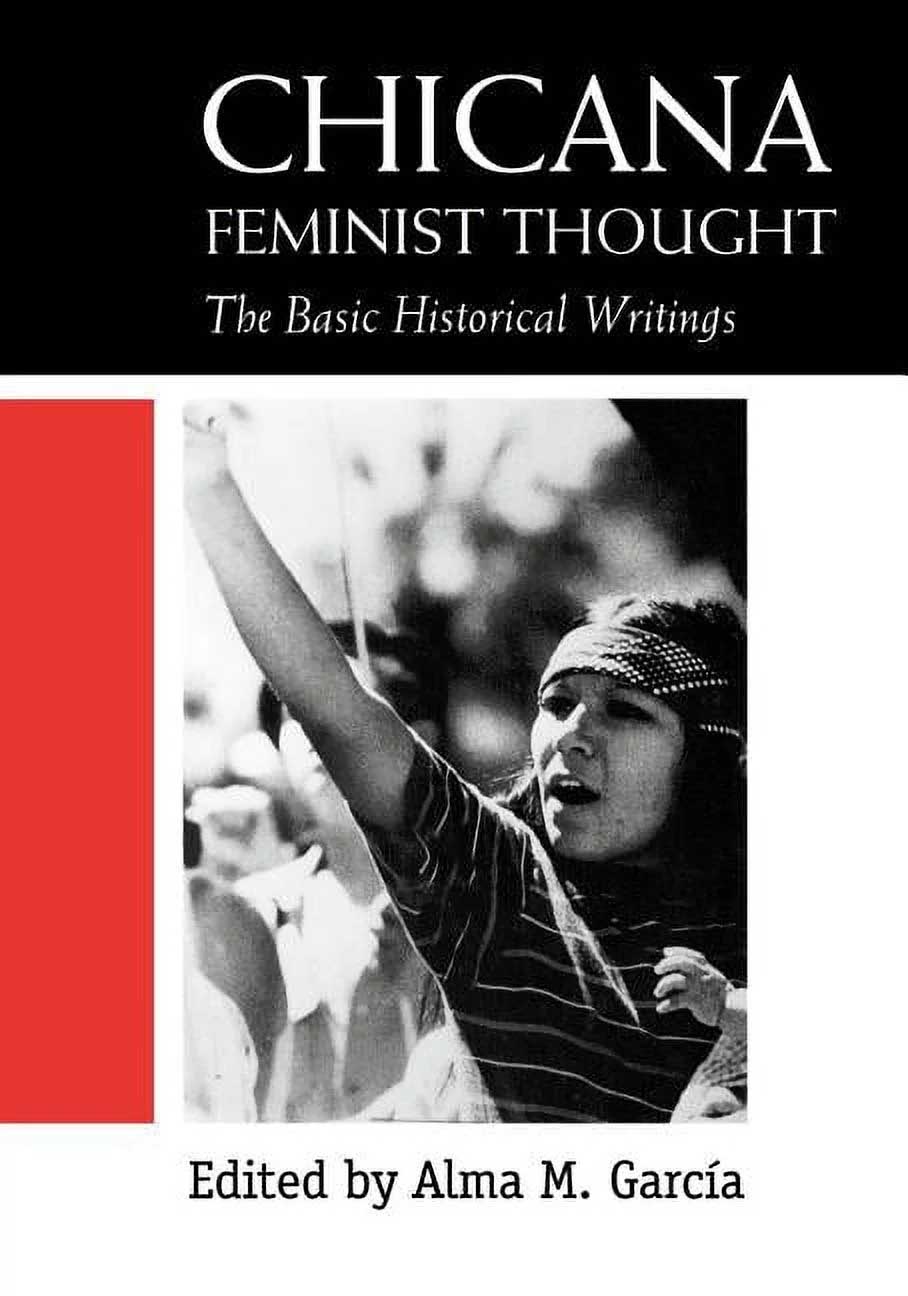
Chicana Feminist Thought: The Basic Historical Writings edited by Alma M. Garcia: This anthology brings together key writings by Chicana feminists, spanning from the early days of the Chicano movement to the present day. Covering topics such as reproductive rights, immigration, and intersectionality, these essays and manifestos offer essential insights into Chicana feminist thought.
Whether you’re a student, scholar, or simply interested in learning more about Chicana history and culture, these materials offer a rich and diverse perspective on the contributions of Chicana women to our society.
As we commemorate Women’s History Month, let us honor the legacy of Chicana women by delving into their stories, amplifying their voices, and recognizing their enduring contributions to society. Through the resources available at the University of Texas Libraries, we have the opportunity to deepen our understanding of Chicana history, culture, and activism, ensuring that their narratives continue to inspire and empower future generations.
Read, hot & digitized: Librarians and the digital scholarship they love — In this new series, librarians from UTL’s Arts, Humanities and Global Studies Engagement Team briefly present, explore and critique existing examples of digital scholarship. Our hope is that these monthly reviews will inspire critical reflection of and future creative contributions to the growing fields of digital scholarship.
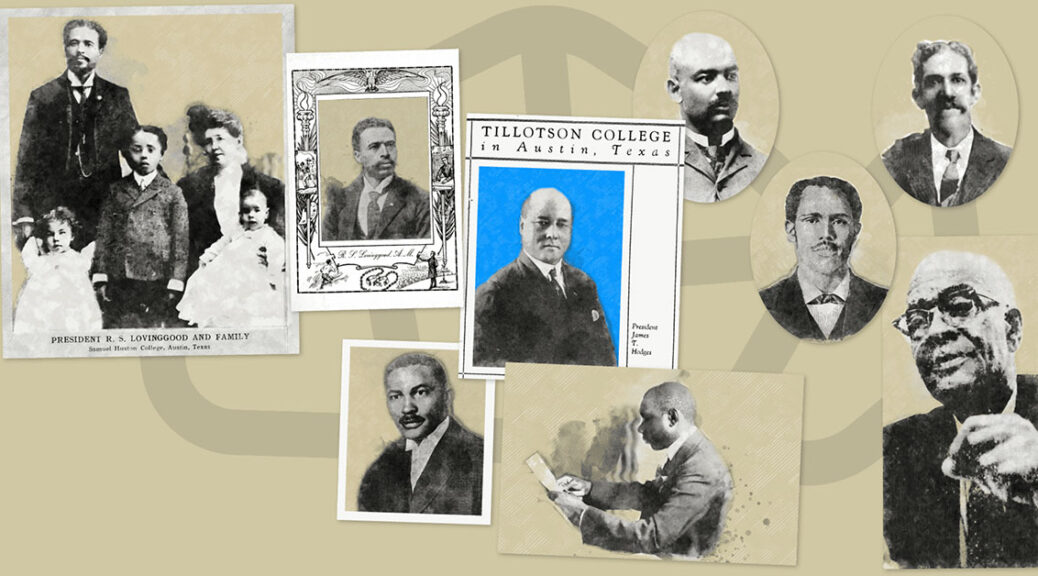
For the past two years, I have been delighted to work on the Black Classicists in Texas exhibition project, a collaborative endeavor to tell the story of Central Texas’ early Black educators and their passion for the study of antiquity. This joint initiative, led by Dr. Pramit Chaudhuri, Dr. Ayelet Haimson Lushkov and myself, involves collaboration between the University of Texas at Austin’s Department of Classics, University of Texas Libraries, the Benson Latin American Collection, Huston-Tillotson University and the Carver Museum & Cultural Center. At its core, the project’s exhibitions underscore advocacy for classics, 20th century African American advancement and highlight a vibrant community of scholars, students and public intellectuals.
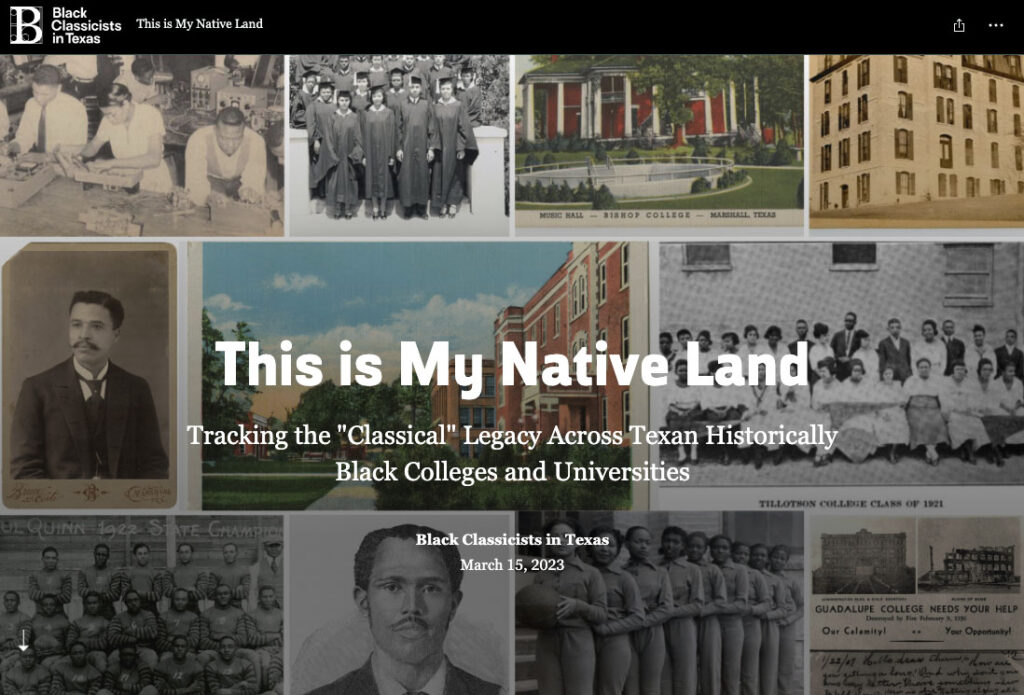
Although the physical exhibitions concluded in December 2023, their legacy endures through an online exhibition that emphasizes the relationship between education about the classics, historically Black colleges and universities (HBCUs) and the historical trajectory of education in Austin. Leveraging digital platforms, the online exhibition employs multimodal approaches including story maps, virtual tours and digitized archival materials to provide users with a dynamic exploration of the individuals and institutions intertwined in this narrative.
The website, a cornerstone of the project, exemplifies the initiative’s collaborative efforts. Choosing the education-friendly Reclaim Hosting allowed for easy hosting, a custom domain and installation of web applications with the built-in installer, Installatron. Through Installatron, we were able to build a custom website with WordPress, assisted by the exceptional team at UT Austin’s Liberal Arts Instructional Technology Services and beautifully designed by the creative studio, In-House International.
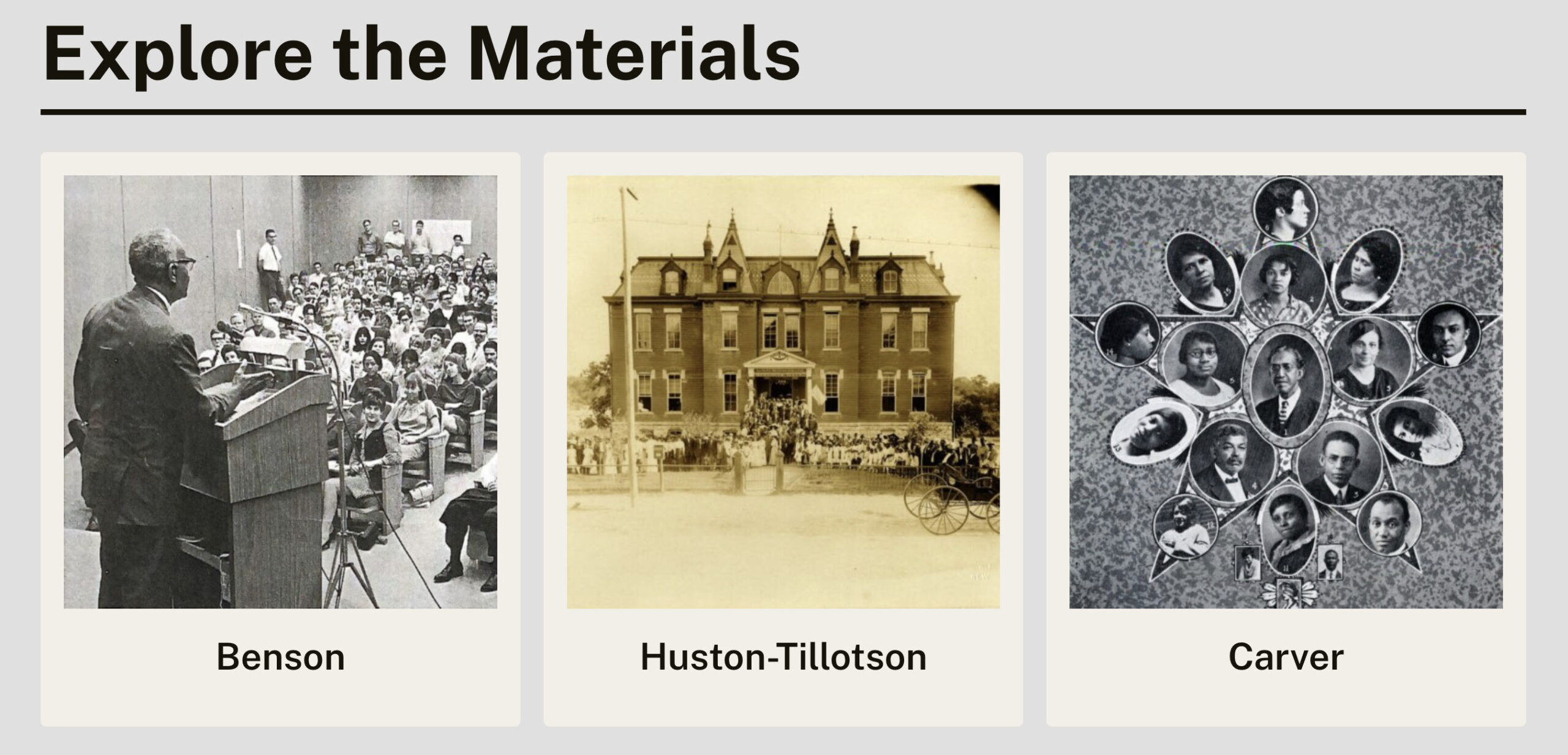
The landing page of the Explore the Materials section.
The “Explore the Materials” section of the website provides users with access to digitized versions of the physical exhibition materials, alleviating the need for researchers to physically visit archives to view the items. As someone intimately involved in the project’s archival research process, I am delighted to offer researchers an easy access point to these materials, each complete with detailed metadata and sourcing information, ensuring folks can find the original materials even now after the physical exhibition is over.
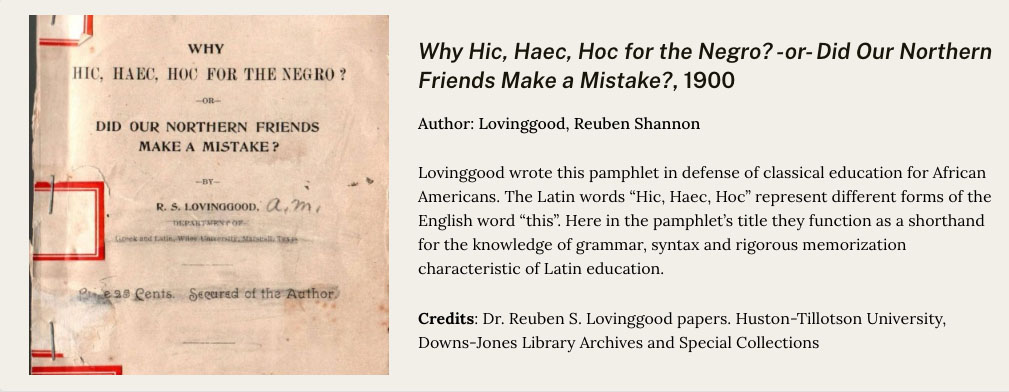
A digitized item on the Huston-Tillotson University section of the Explore the Materials page.
Archival research often presents challenges, whether the archival finding aid is detailed, vague or non-existent. That’s why it’s particularly exciting to preserve items that might not be found through traditional methods. These include a photograph of Samuel Huston College President Matthew Simpson Davage, discovered in a box of unprocessed photographs brought to the research team by the former Huston-Tillotson University Archivist. Similarly, hard to track down documents like the 1976 report of UT’s affirmative action compliance from the Black Diaspora Archive and custom exhibition panels and maps are now digitally accessible.
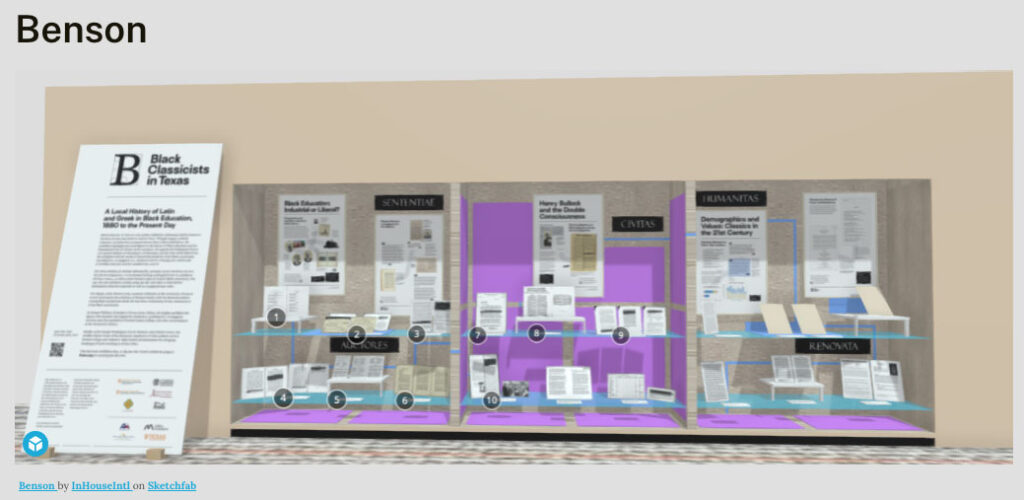
Beyond digitized materials, the website features technologically innovative elements, including 3D models of the physical exhibition spaces courtesy of our collaborators at In-House. Hosted on the freemium 3D platform, SketchFab, these interactive models preserve the essence of the physical exhibitions, offering users an immersive experience. They even allow users to see some of the materials in greater detail than possible in-person.
Screenshot of SketchFab 3D model of the physical exhibition in the Benson Latin American Collection Rare Books Reading Room, as it appeared in 2023.
StoryMap created by project researcher, Elena Navarre.
Moreover, pages dedicated to resources on Black history and culture in Austin, alongside preserved interviews originally showcased at the Carver Museum, provide invaluable context and insight into the broader socio-cultural landscape surrounding the Black Classicists in Texas narrative.
By showcasing the contributions of Black Classicists in Texas, the website and associated tools shed light on underrepresented voices in the study of antiquity and Texas educational history. They serve as a testament to the diversity and resilience of these scholars, enriching our understanding of their invaluable contributions and histories.
Today marks the start of Open Education Week! Open Educational Resources are openly licensed materials that can be:
Retained
Reused
Revised
Remixed
Redistributed
OER can make a huge difference to our students. In the 2022-2023 academic year alone, students saved over $1.8 million dollars because OER was prioritized over paid course materials.
However, as important as these resources might be, they’re often overlooked or misunderstood. Are you curious about OER? Check out this infographic to learn more.
And if you’d like to learn even more about OER, here are our upcoming OE Week activities:
Monday March 4th – Friday, March 8th: Come visit our blog for a daily post spotlighting OER work happening here at UT Austin.
Tuesday, March 5th, 12pm-2pm: Tabling event in PCL Lobby. Come by to chat with a librarian about OER.
Friday, March 8th, 1pm-2pm: OE Week Virtual Panel. Our joint student/faculty panel will discuss their experiences with adopting, implementing and even creating OER. The event is free, but you do need to register.